You wanted to read an article, download a template or try an app, and the first thing the page asked for was your phone number or your email address, followed by a six-digit code. That code is called a verification code or one-time password (OTP). It proves that you control the address or number you typed. It is also how a lot of companies collect contact details they later use for marketing. This guide explains how to receive a verification code without handing over your phone number or your real inbox, and where the limits are.
Why websites ask for verification codes
There are three honest reasons and one less honest one:
- Fraud and bot prevention. Requiring a working email or phone number makes mass fake sign-ups more expensive.
- Account recovery. A verified contact method lets you reset a forgotten password.
- Security. A code sent to a second channel confirms that a login really is you.
- Marketing. A verified address is a valuable address. Some services collect it first and consider the security reason second.
Knowing which of these applies tells you how much to protect yourself. A banking login deserves a real number. A free template download does not.
Option 1: use a disposable email for email codes
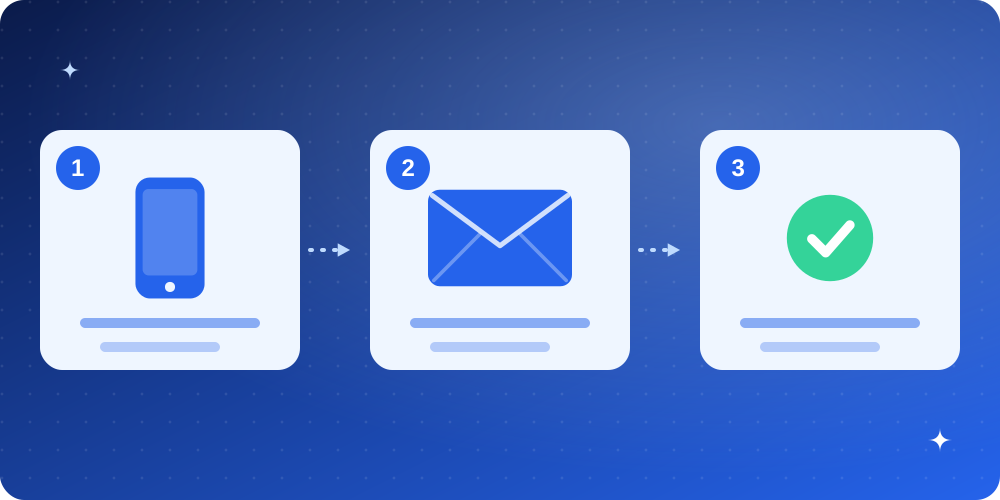
When the site sends the code by email, a disposable inbox is the simplest solution. The steps take a minute:
- Open a temporary email inbox and copy the address.
- Paste it into the site's email field and request the code.
- Switch to the inbox tab. The message appears in a few seconds; copy the code or click the link.
- Paste the code on the site within its time limit, usually 5 to 15 minutes.
If the code is slow, do not keep requesting new ones. Each request invalidates the previous code on many sites, which creates a race between the code you receive and the code the site expects. Request once, wait a full minute, then request again only if needed.
Option 2: when the site only offers SMS
Sites that insist on a mobile number to send a text message cannot be satisfied by an email inbox. You have a few realistic choices:
- Decide the account is not worth it. If the thing you wanted is minor, walking away is a perfectly good privacy decision.
- Look for an alternative sign-in. Many sites allow "continue with email" even if the first button is "continue with phone".
- Use a secondary number you control. A number from a legitimate voice service you own is better than public SMS-receiving websites.
We deliberately do not recommend public "receive SMS online" sites. The numbers are shared by thousands of strangers, every message is publicly visible, and many of the services are blocked or used for fraud. Anything you receive there is not private.
Option 3: aliases when you want to keep the account
If you will need the account later, a disposable address is the wrong choice because the inbox will not exist when you want to reset the password. Use an alias that forwards to your real inbox, or a dedicated secondary address you control. The differences are laid out in temp mail vs email alias vs real email.
What you should never do
- Never use a disposable address for money or identity accounts. If you lose the inbox, you lose the account.
- Never share a code with anyone. Scammers pretend to be support staff and ask you to read a code aloud. A real company never needs it from you.
- Never reuse a code link from an old email. They are time limited and tied to a specific request.
Our article on phishing warning signs shows how code-theft scams work.
Troubleshooting: the code never comes
- Check the address character by character. One wrong letter sends the code to a stranger.
- Wait, then refresh once. Delivery can take up to a couple of minutes at busy times.
- Watch for blocked domains. Some sites refuse disposable addresses silently. Try a different domain on the generator, or read why sites block disposable emails.
- Check you did not request too many codes. Many sites throttle repeated requests and send nothing for several minutes.
A privacy-minded rule of thumb
Give each site the least permanent contact detail that still works. A disposable inbox for casual sign-ups, an alias for accounts you will keep, your real address and number only for institutions that need to identify you. That one habit removes most of the spam and tracking that follow a verification request. For a broader view of what happens when addresses leak, read email privacy and data breaches.
Frequently asked questions
Can I receive an SMS code in a temporary email inbox?
No. SMS goes to a phone number, not an email address. Email inboxes only receive email.
Is it legal to avoid giving my phone number?
Yes. You can decline to give optional personal data. If the service requires it, your choice is to use it or not.
Why do some codes expire so fast?
Short expiry limits the time an attacker has to use a stolen code. Request and use it straight away.
Will a disposable email work for two-factor authentication?
It can receive codes, but you should not protect an important account with an inbox that disappears.