Your email address is more than a way for people to reach you. It is a username, an identity and, for most online accounts, the master key to everything else. When you reset a password, the link goes to your inbox. When a service wants to confirm that you are you, it emails you. That is why a leaked address is more serious than it sounds, and why understanding how exposure happens is the first step towards controlling it.
What is a data breach?
A data breach is any incident in which information is accessed, copied or released without authorisation. In practice it usually means that an attacker finds a weakness in a company's systems (or an employee makes a mistake), and a database of customer records is copied. Those records commonly include email addresses, names, phone numbers, and sometimes hashed passwords, purchase history or addresses.
The unsettling part is that you have little control over any of this. You can choose a strong password, but you cannot choose how well a shop, forum or app you signed up for in 2016 stores its database today.
How exposure typically unfolds
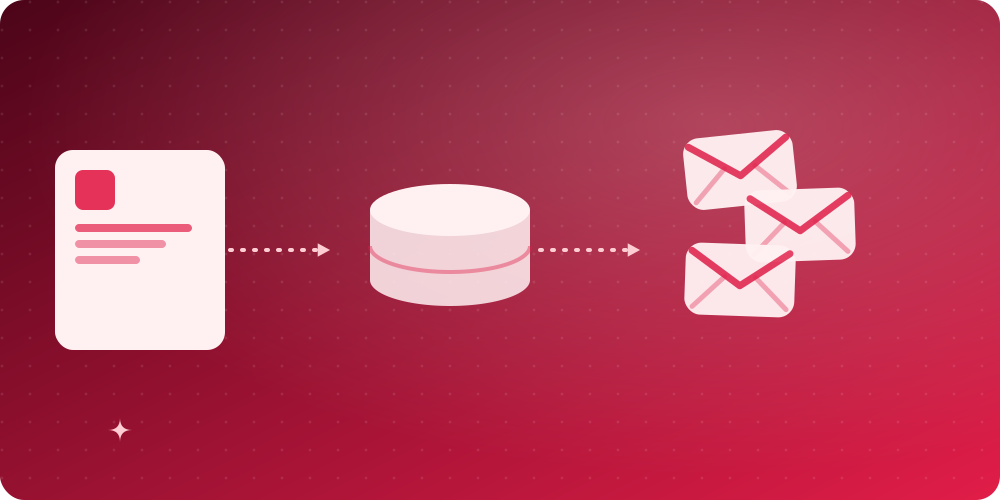
- You sign up. A service stores your email address alongside whatever else you provided.
- It is breached. The data is stolen through a vulnerability, a misconfigured server or leaked credentials.
- The data is traded. Lists circulate on criminal forums and are combined with older leaks.
- You are targeted. The combined data fuels spam, phishing messages that mention real services you use, and "credential stuffing", where attackers try your leaked password on other sites.
The EU's General Data Protection Regulation forced many organisations to disclose breaches and to collect less data. That helps, but the practical advice for individuals is the same: assume that some of your information is already out there, and design your habits so that a leak cannot hurt you much.
What attackers do with a leaked email address
- Phishing and scams. A message that names a service you really use is much more convincing. Learn the warning signs in how to stop spam emails and in the FTC's guide to recognising phishing scams.
- Credential stuffing. If you reuse a password, a breach at a minor site can unlock your email, shopping or banking account.
- Account takeover via password reset. Whoever controls your inbox can reset almost everything.
- Profiling. Addresses are used as a common key to join records from different sources into a single profile of you.
- Doxxing and harassment. An address that is linked to your name and accounts makes it easier to find you.
Step 1: Find out what is already exposed
Visit Have I Been Pwned, a free service run by security researcher Troy Hunt, and enter the addresses you use. It lists known breaches that included them. You can subscribe for notifications about future ones. Do not be alarmed if you find several; most people do. The point is to act on what you learn: change passwords for the affected services and for any account where you used the same password.
Step 2: Make every password unique
Credential stuffing only works if passwords are reused. A password manager removes the effort: it generates a long random password for each site and fills it in for you. Current guidance from NIST favours length and uniqueness over complex-looking but predictable patterns, as described in its digital identity guidelines. Turn on two-step verification (preferably with an authenticator app or security key rather than SMS) for your email, banking and anything else that matters.
Step 3: Stop giving out your real address
This is where email privacy becomes a habit rather than a repair job. The less often your primary address is stored by third parties, the fewer breaches can include it. Use a layered approach:
- Real address for banking, work, government and personal contacts.
- Aliases for shops and subscriptions you want to keep. See temp mail vs email alias vs real email.
- Temporary addresses for everything else. Create one in a second on the BoltMail home page; when the company behind a download or trial is breached, the data they hold about you is a mailbox that no longer exists.
Step 4: Be careful about tracking inside emails
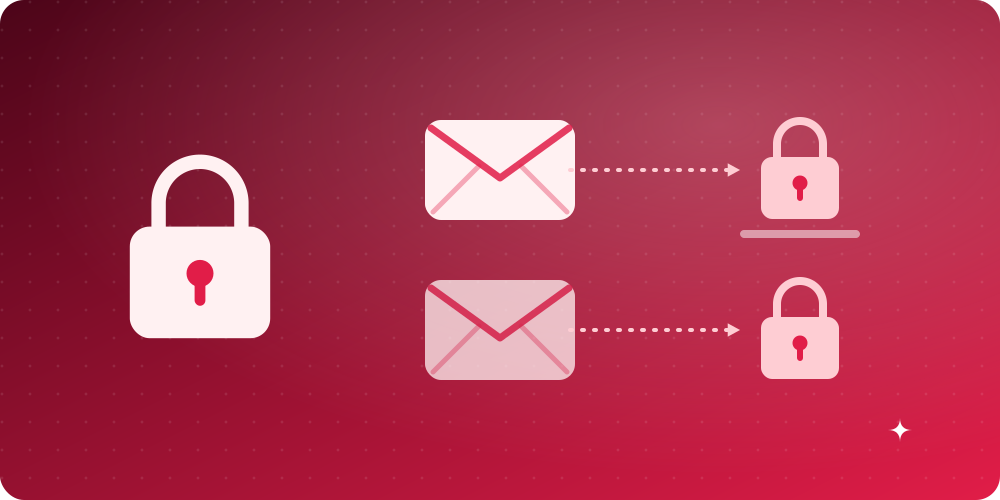
Many marketing emails include a tiny invisible image that tells the sender when and where you opened the message, a technique summarised in this description of email tracking. It confirms that your address is active and reveals approximate location and device. Disabling automatic image loading in your email client blocks most of this. When you read a message on BoltMail, it is displayed inside a sandboxed frame, so scripts in the message cannot run.
Step 5: Reduce the data you hand over
An email address is rarely the only thing a form asks for. Provide the minimum required, skip optional fields, and decline marketing tick-boxes. Look at what a company says it does with your data before you sign up; our own approach is described in plain language in the Privacy Policy, which you can compare with any service you consider.
What to do if you are caught in a breach
- Change the password on the affected service immediately, and on every other site where you used it.
- Enable two-step verification where it is offered.
- Watch for suspicious login alerts and unexpected password-reset emails.
- Be sceptical of messages about the breached service, since attackers often send fake "security notices".
- If financial details were involved, contact your bank and consider a credit freeze where available.
- Retire the exposed address from sensitive roles when you can.
The big picture
You cannot prevent every breach, but you can make sure that one has limited consequences. Unique passwords stop one leak from unlocking another account. Aliases and temporary addresses stop your main address from being everywhere. Good habits around links and attachments stop the follow-up scams. For a gentle start, look at the Electronic Frontier Foundation's privacy resources, then try a disposable address the next time a website asks for yours. If you have questions about how we handle data, we are always glad to hear from you on the contact page.