






Email Header Analyzer
Every email carries a hidden record of where it came from, which servers handled it and whether the sender proved who they are. Paste the raw header below and this analyzer turns that wall of text into a clear route, a delay for every hop and a plain verdict on SPF, DKIM and DMARC.
- Runs in your browser
- SPF, DKIM and DMARC
- No sign-up
Got a suspicious email? Receive it safely in a free inbox, then paste its headers here.

Everything is analyzed in your browser. Nothing is uploaded.
What you get
Built to be quick, clear and private.
See every server the message passed through, in order, with the IP address and time of each hop.
SPF, DKIM and DMARC results are read from the header and shown as simple pass or fail badges.
Mismatched From, Return-Path and Reply-To domains, missing Message-ID and odd timestamps are called out for you.
The header is analyzed on your device. Nothing you paste is uploaded, logged or stored.
How it works
Three steps from start to result.
- Copy the raw headers
In Gmail choose "Show original", in Outlook open the message properties, in Apple Mail use View, Message, All Headers.
- Paste and analyze
Drop the full header into the box and press Analyze headers. A sample is available if you only want to look around.
- Read the verdict
Start with the three authentication badges, then read the findings and the delivery route for anything unusual.
How to read an email header
The most useful lines sit near the top and the bottom. Reading the Received lines from the bottom up shows the journey from the sender to you: each server stamps the time, the name of the server that handed the message over and, often, its IP address. The earliest public IP address in that chain is normally where the message entered the internet, which is far more trustworthy than the name in the From line.
The Authentication-Results line is written by your own mail provider and is the quickest way to judge a message. It reports whether SPF, DKIM and DMARC passed. Three passes means the sender proved control of the domain they claim. A failure is not proof of fraud, because many newsletters are set up badly, but a failure on a message that claims to come from a bank, a courier or your employer is a strong warning sign.
Finally, compare the three addresses attackers like to blur: From (what you see), Return-Path (where bounces go) and Reply-To (where your reply goes). Mailing services legitimately use different domains, but when a message says it is from one company and asks you to reply to another, treat it with suspicion and verify through a channel you already trust.
Great for
- Checking a suspicious bank or delivery email
- Finding out why a message was delayed
- Confirming your newsletter passes SPF, DKIM and DMARC
- Reporting phishing with proof
- Debugging mail that lands in spam
- Teaching staff how email forgery works
Good to know
A partial header hides the very lines that prove or disprove a forgery. Copy from the first line to the blank line before the message body.
Misconfigured newsletters fail SPF or DKIM too. A fail on a message that claims to be from your bank is what deserves suspicion.
Scammers often pass authentication with their own domain while sending your reply somewhere else.
Frequently asked questions
Quick answers about email header analyzer.
What is an email header?
It is a block of technical lines attached to every email. Your mail program adds the sender, recipient, subject and date; every server on the way adds its own "Received" line, so the header records the whole journey.
Is my email header uploaded anywhere?
No. The analysis runs entirely in your browser using JavaScript on this page. The text you paste is never sent to BoltMail or anyone else.
How do I find the raw headers in Gmail?
Open the message, click the three dots next to Reply and choose "Show original". Copy everything shown in the box or use the "Copy to clipboard" button.
How do I find the headers in Outlook?
Double-click the message to open it, choose File, then Properties, and copy the text in the "Internet headers" box at the bottom.
What do SPF, DKIM and DMARC mean?
SPF checks that the sending server is allowed to send for the domain. DKIM checks a cryptographic signature that proves the message was not altered. DMARC checks that those results match the address you see in the From line.
What does "not found" mean for SPF, DKIM or DMARC?
The headers you pasted do not contain a result for that check. It usually means the receiving server did not record it, or you pasted only part of the header.
Why is the first IP address in the chain important?
The earliest public IP address in the Received lines is normally where the message entered the internet. Private addresses such as 10.x.x.x or 192.168.x.x only tell you about the sender's internal network.
Can the headers be faked?
Lines added by the sender can be forged, but the lines added by your own mail provider are hard to fake. That is why the analyzer looks at the authentication results written by the receiving server.
What is a normal delay between hops?
A few seconds. Delays of several minutes can come from greylisting, virus scanning or queues. A timestamp earlier than the previous hop usually means two servers disagree about the time.
Can this tell me for certain that an email is a scam?
No tool can give certainty. The verdict is strong evidence based on authentication and consistency. If in doubt, do not click links or open attachments and contact the sender through a channel you already trust.
Does it work with emails received in BoltMail?
Yes. Open the message in your BoltMail inbox, copy its source or raw view and paste it here to inspect where it really came from.
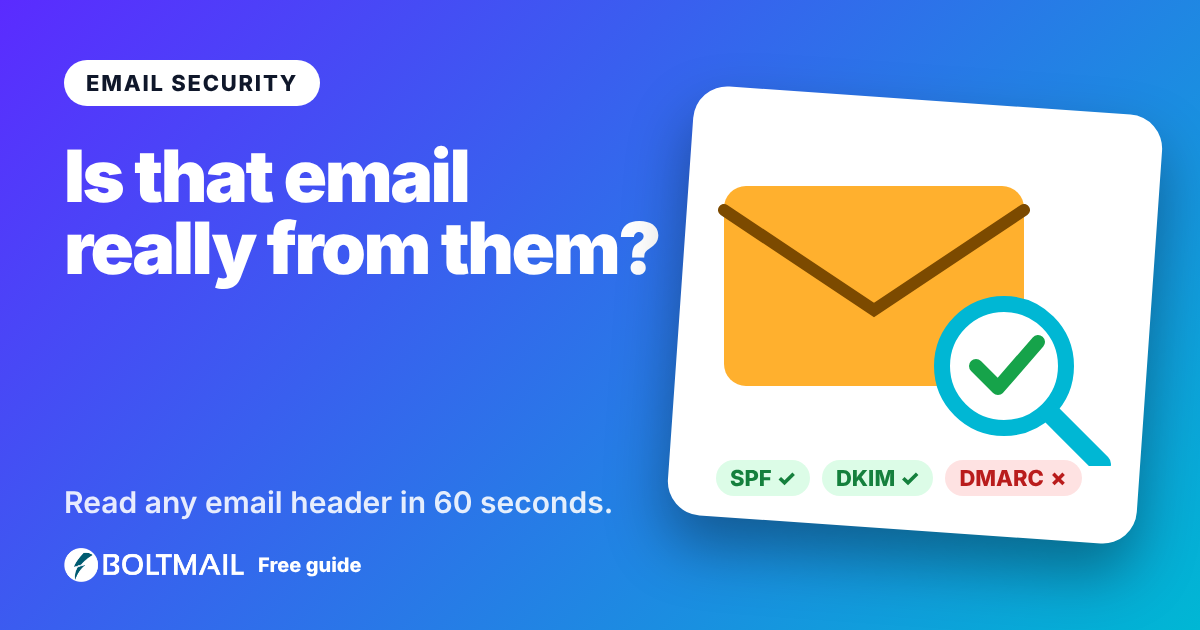
Every email carries a hidden record of where it came from and how it travelled. Learn how to read email headers, spot spoofing and use a free email header analyzer to do the hard work for you.
More free tools
Everything works without an account.

Email Deliverability Tester
Send a real email to a one-time address and get a score out of 10, with SPF, DKIM, DMARC, blacklist and content checks.
Open tool
Whois & DNS Lookup
Whois, DNS records, SPF, DKIM, DMARC, MX and blacklist checks for any domain or IP, with problems explained.
Open tool
Password Generator
Create strong random passwords, passphrases and PINs with an entropy meter.
Open tool