






Email Validator
Check any email address for correct format, a domain that can actually receive mail, common typos, shared role accounts and disposable providers. You get a verdict, a score out of 100 and a plain-English reason for every check. No message is sent and the address is not stored.
- Syntax and MX records
- Typo suggestions
- Nothing is emailed

Check a list (up to 10 addresses)
Checks format and that the domain can receive mail. No message is sent and addresses are not stored.
What you get
Built to be quick, clear and private.
Tests the address against the real email rules: one @, allowed characters, dots, length limits and a valid domain.
Looks up the domain's MX record, so you know mail can be delivered before you send.
Spots slips like gmial.com and offers the likely correction with one click.
Flags shared role accounts such as info@ and disposable domains, and labels free providers.
How it works
Three steps from start to result.
- Type or paste an address
Any address, or open "Check a list" for up to 10 at once.
- Press Validate
The format is checked first, then the domain's mail records, typos and quality signals.
- Read the checks
Each line explains what passed or failed. Fix typos with the suggestion, or ask the person for another address.
What validation can and cannot tell you
Validation answers three practical questions. Is the address written correctly? Does its domain exist and publish a mail server? And does it show signs of trouble, such as a typo, a shared role mailbox or a disposable provider? Together they catch the large majority of bad addresses at the door, before they cause bounces or lost sign-ups.
What it cannot do is prove that a particular mailbox exists. That knowledge belongs to the receiving mail server, and many servers deliberately give no answer to protect their users. Techniques that try to probe the mailbox are unreliable and can get your own server blocked. The only certain proof is a confirmation email with a link that the person clicks.
A good flow therefore has layers: catch typos as people type, validate the domain when the form is sent, confirm by email, and remove addresses that bounce. Each layer is cheap on its own and together they protect your sender reputation and your conversion rate.
Great for
- Cleaning a sign-up or contact list
- Checking an address before sending an important email
- Catching typos at the door of a form
- Reducing bounces and protecting sender reputation
- Testing your own validation rules
- Spotting role and disposable addresses
Good to know
Only a confirmation link proves a person owns an address and reads it.
Offer suggestions as people type; it rescues sign-ups that would otherwise be lost.
info@ and support@ are read by teams, so they make poor personal accounts.
Frequently asked questions
Quick answers about email validator.
What makes an email address valid?
Exactly one @ sign, a local part up to 64 characters using only allowed characters, no leading, trailing or double dots, and a domain with at least one dot and a valid ending. The whole address can be at most 254 characters.
Does it confirm the mailbox exists?
No. It confirms the format is correct and the domain can receive mail. Only the mail provider knows whether a specific mailbox exists, and probing it is unreliable, so this tool does not try.
What is an MX record?
A public DNS record that names the mail servers accepting email for a domain. No MX record (and no address record to fall back on) means mail cannot be delivered.
What is a role account?
A shared address such as info@, support@ or admin@ that a team reads instead of one person.
How does typo detection work?
The domain is compared with the most popular providers. If it is one or two letters away from one of them, such as gmial.com, the likely correction is suggested.
What does the score mean?
It is a quick quality rating out of 100 that adds up syntax, domain, typo, role-account and disposable checks. Higher is better; 90 and above is a clean address.
Are the addresses I check stored?
No. They are checked and forgotten. Requests are rate limited to prevent abuse.
Why does a valid-looking address fail?
Common reasons are a mistyped domain, a domain with no mail server, or characters that email does not allow, such as spaces.
Does it check for disposable email?
Yes. The same list as the Disposable Email Checker is used, and disposable domains are marked as a failed check.
Can it validate a whole list?
Yes, up to 10 addresses per check: open "Check a list" under the box, run it and download the results as a CSV. For bigger lists, run several batches or use the Disposable Email Checker for a quick pass.
Should I validate emails in my own forms?
Yes: check syntax as people type, check the domain on submit and always confirm with a link. Do not reject unusual but valid addresses, such as ones with plus signs.
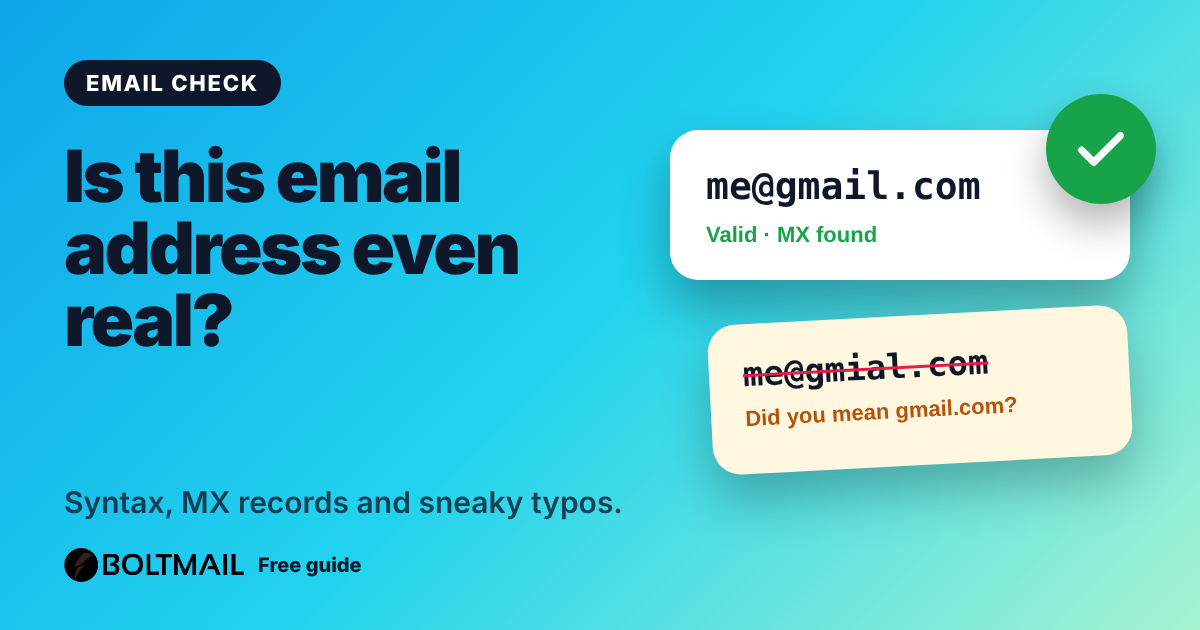
A typo in an email address can lose a customer. Here is what email validation really checks, what it cannot, and how to validate an address in one step.
More free tools
Everything works without an account.

Email Deliverability Tester
Send a real email to a one-time address and get a score out of 10, with SPF, DKIM, DMARC, blacklist and content checks.
Open tool
Whois & DNS Lookup
Whois, DNS records, SPF, DKIM, DMARC, MX and blacklist checks for any domain or IP, with problems explained.
Open tool
Email Header Analyzer
Paste raw email headers and see the route, delays, SPF, DKIM, DMARC and red flags.
Open tool