An invalid email address costs you in quiet ways: a customer who never receives a receipt, a newsletter subscriber who bounces, a sign-up that cannot be recovered. Catching problems early is cheap. An email validator runs a series of checks and tells you whether an address is well-formed, whether its domain can receive mail and whether it looks risky. Use the free BoltMail Email Validator to check any address in a second.
What makes an email address valid?
An address has two parts separated by a single @ sign: a local part and a domain. The rules are stricter than most people expect:
- Exactly one @ sign, with something on both sides.
- The local part is at most 64 characters and the whole address at most 254.
- The local part cannot start or end with a dot or contain two dots in a row.
- Only letters, digits and a limited set of symbols are allowed. Spaces are not.
- The domain must contain at least one dot and a valid ending such as .com or .org.
This is the syntax check, the first and simplest step. An address that fails it can never work.
Checking the domain and mail records
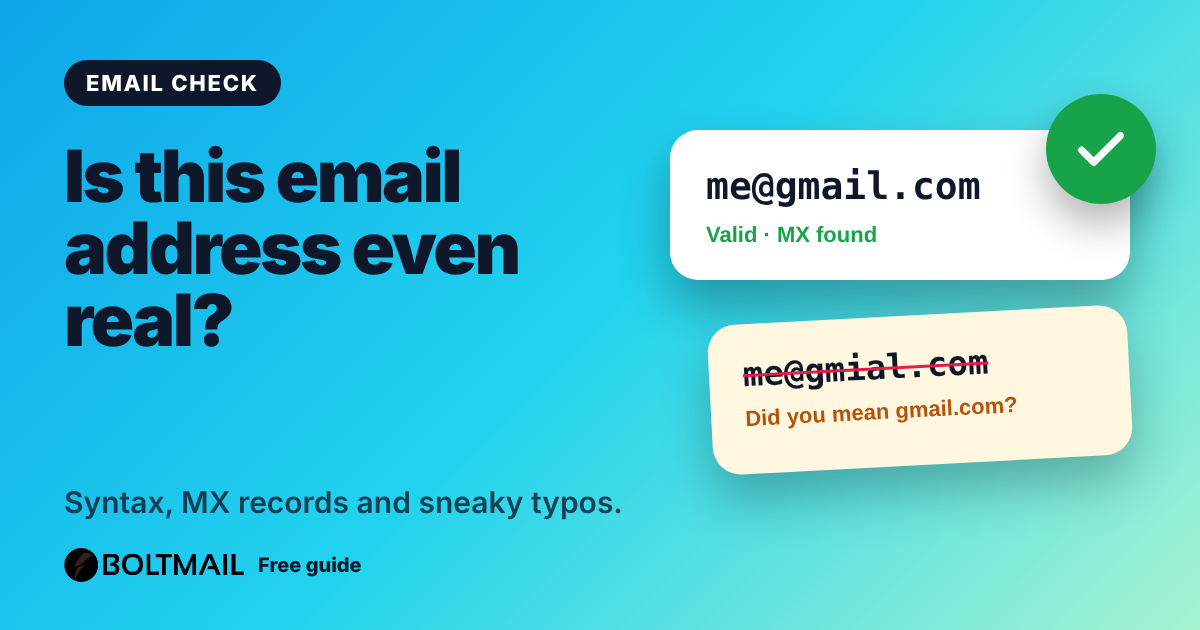
A well-formed address can still point nowhere. The validator looks up the domain's MX record, the public record that names the servers that accept mail for the domain. If there is no MX record and no fallback address record, mail has nowhere to go, so the address is undeliverable. This catches domains that were never registered, expired or simply mistyped.
Catching typos
The most common reason an address fails is a slip: gmial.com, hotmial.com or yaho.com. The validator compares the domain with the popular providers and, when it is a single edit away, suggests the likely correction so you can fix it with one click. It is the same trick good sign-up forms use to save customers from themselves.
Role accounts and disposable domains
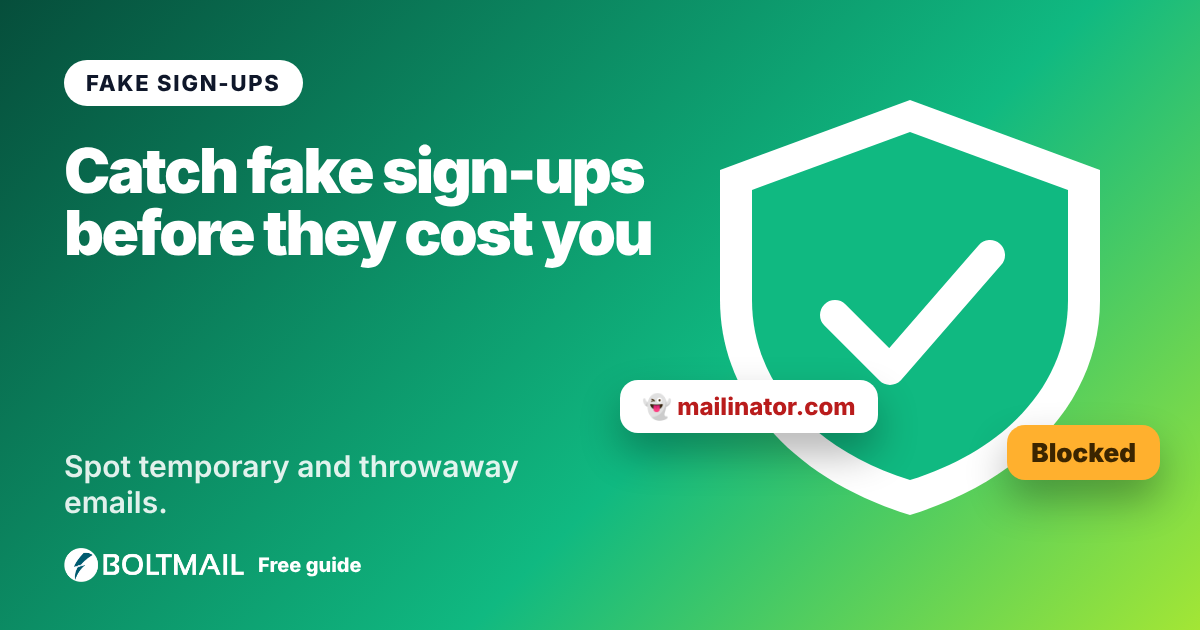
Two more signals help you judge quality. Role accounts such as info@, support@ or admin@ are shared by a team. They are fine for contact forms but poor for personal accounts, because several people read them and nobody owns the relationship. Disposable domains belong to temporary mail services. The validator flags them using the same list as our disposable email checker. Our article on how to create a disposable email address explains why people use them.
What validation cannot prove
No tool can fully confirm that a specific mailbox exists without the receiving server's help. Some servers accept any address and bounce later; others refuse to answer for privacy. Approaches that connect to the server and probe the mailbox are unreliable and can get your own server blacklisted, so this validator does not do it. The only certain proof is to send a message with a confirmation link and see whether the person clicks it.
A sensible validation strategy
- At the form: check the syntax and offer typo suggestions as the person types.
- On submit: verify the domain can receive mail.
- After sign-up: send a confirmation link. Treat unconfirmed accounts as unverified.
- Over time: remove addresses that hard-bounce.
Developers can test this whole flow without touching a real inbox. Create a throwaway address with a free BoltMail inbox, submit it and watch the confirmation arrive. The BoltMail API guide shows how to automate it.
How to use the validator
Type or paste the address into the email validator and press Validate. You get an overall verdict and a score from 0 to 100, plus a line for each check: syntax, domain mail records, typo, role account, disposable provider and provider type. No message is sent to the address, and it is not stored.
It takes a second, and it can save you a lot of bounced mail.