Most people think a strong password is one with a capital letter, a number and a symbol. Attackers know that too. The truth is simpler and more useful: a strong password is a long, random one that no human, and no program, can guess. A good password generator creates that for you in one click, and the free BoltMail Password Generator does it entirely in your browser.
Why human-made passwords are weak
When people invent a password they follow patterns: a name, a year, a keyboard walk, a capital at the start and a number at the end. Cracking tools try these patterns first. Substituting an "@" for an "a" or a "0" for an "o" barely slows them down, because the tools know those tricks too. Reusing a password makes things worse, since one breached site then opens every account that shares it.
Random passwords have no pattern to exploit. The only option left to an attacker is to try every combination, and that quickly becomes impossible as length grows.
Entropy: the measure of unpredictability
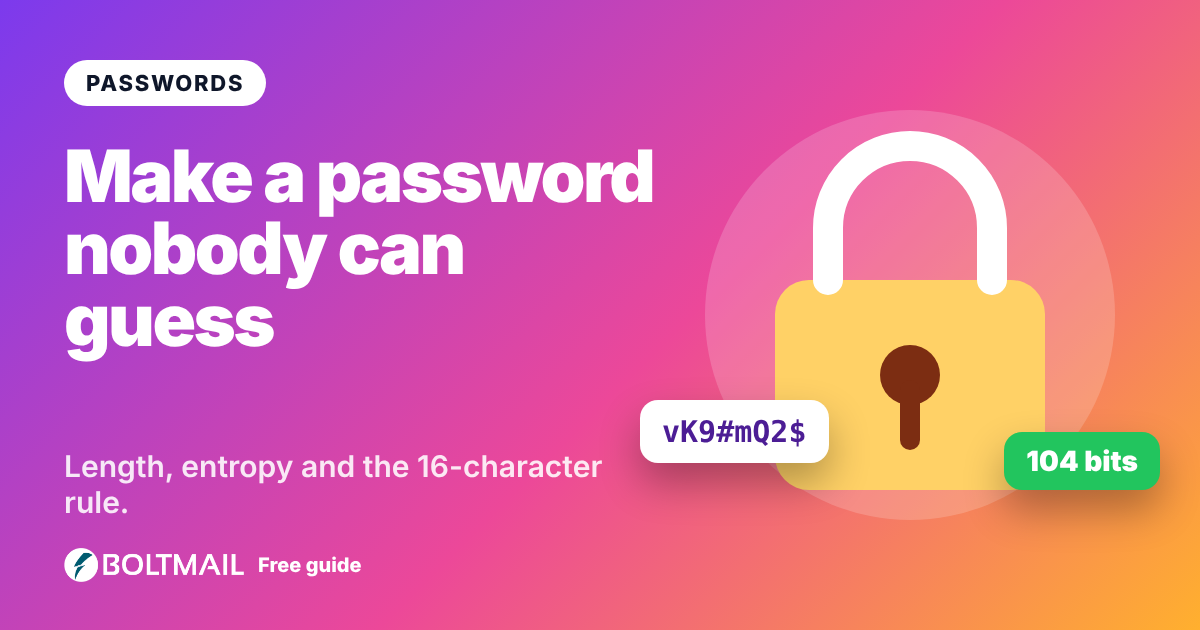
Security people measure password strength in bits of entropy. Each extra bit doubles the number of guesses needed. A random password using upper and lower case letters, numbers and symbols gives roughly 6.5 bits per character, so a 16-character password has more than 100 bits. The generator shows the entropy of every password it makes, together with an estimate of how long a very fast attacker would need.
As a rule of thumb: under 40 bits is weak, 60 bits is acceptable for low-value accounts, and 80 bits or more is strong. For email, banking and anything that can reset other passwords, aim for 100 bits and above.
How long should a password be?
Length matters more than complexity. Use at least 16 characters for important accounts and 12 as an absolute minimum elsewhere. If a site allows it, 20 or more costs you nothing when a password manager does the typing.
Random characters, passphrases or PINs?
- Random characters pack the most strength into the fewest characters. Best stored in a password manager.
- Passphrases chain several random words together, such as
Amber-Falcon-Meadow-Quartz. They are long, easy to type on a phone and easy to remember, which makes them ideal for the few passwords you must know by heart, such as your password manager or device login. - PINs are short numbers. They are only safe when the system locks after a few wrong tries, like a phone or a bank card. Never use a PIN as a website password.
Is it safe to use an online generator?
That depends on where the password is created. Many generators build the password on a server, which means it has travelled across the internet. The BoltMail generator never does this. It uses the secure random number generator built into your browser, builds the password on your device and sends nothing anywhere. There is no log, no account and nothing to store.
It also avoids a subtle mistake that weak generators make: bias. Naive code picks characters with a simple remainder operation that slightly favours some characters. The tool uses rejection sampling so every character is equally likely.
Good password habits
- Use a different password for every account.
- Store them in a password manager rather than your head or a note.
- Turn on two-step verification for email, banking and social accounts.
- Change a password straight away if a service reports a breach. You can check whether your email was in a data breach in a minute.
- Never share passwords by email or chat.
Pair strong passwords with a private email address
A strong password protects the account, but the address you sign up with is still a target for spam and tracking. For services you do not fully trust, sign up with a free temporary BoltMail inbox and a freshly generated password. If the service is ever breached, there is nothing of yours to find. Our guide on avoiding spam when shopping online shows how to apply this day to day.
How to use the generator
- Open the password generator.
- Choose random characters, passphrase or PIN.
- Set the length with the slider and pick the character types the site allows.
- Press copy and paste the password straight into the sign-up form or your password manager.
Need many at once, for example for test accounts? The bulk option creates up to twenty in one go. A strong password takes five seconds to create and can save you months of cleaning up after a hacked account.