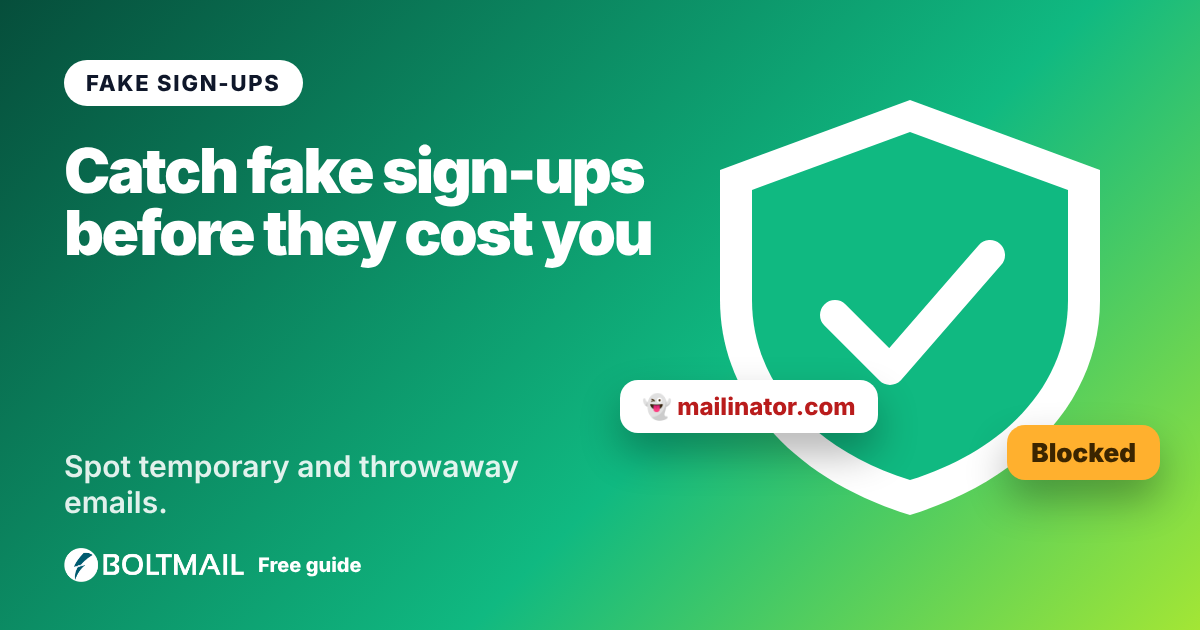
A disposable email address is a real inbox that lives for minutes or hours and belongs to nobody. Services like BoltMail, Mailinator and Guerrilla Mail offer them for free, and millions of people use them to avoid spam. If you run a website, an online shop or an app, you may want to know when a new sign-up uses one. A disposable email checker answers that question instantly. Try the free BoltMail Disposable Email Checker to check up to 25 addresses or domains at once.
What counts as disposable?
A disposable or temporary address is one that is provided by a service designed for short-term use: no password, no account, and mail that deletes itself. They are also called throwaway, burner or 10-minute addresses. If the terms are confusing, our guide to burner email versus throwaway and temporary email explains the differences.
How a checker decides
- Known-domain list. The domain after the @ sign is compared with a large list of disposable providers, including subdomains and BoltMail's own domains.
- Mail records. The tool looks up whether the domain has a mail server. A domain without one cannot receive email at all.
- Name patterns. Domains with words such as "temp", "trash", "burner" or "10minute" are flagged as suspicious even when they are new.
- Provider type. Well-known free providers such as Gmail or Outlook are labelled as free providers, because they are not disposable even though anyone can create an account.
The result is one of four verdicts: disposable, suspicious, not disposable or invalid. Nothing is sent to the address you check, and nothing is stored.
Why businesses check
Sites block or flag disposable addresses for practical reasons: free-trial abuse, fake accounts, inflated mailing lists, poor email deliverability and reward or coupon abuse. We cover the reasoning in why websites block disposable emails. For a newsletter, an address that is gone in an hour means wasted effort and a worse sender reputation.
Why people use them anyway
The same addresses protect ordinary people from tracking and spam, and they are legitimate for one-off downloads, trying a service or testing software. A thoughtful policy separates genuine abuse from privacy. Instead of blocking outright, many sites allow the sign-up but limit what the account can do until a real address is confirmed.
What a checker cannot tell you
- It is never complete. New disposable domains appear every day. "Not disposable" means "not known to be disposable".
- It cannot see a person's intent. Someone can use a custom domain as a throwaway, and a regular person can use a flagged domain innocently.
- It cannot tell whether a mailbox exists. That needs the receiving mail server's cooperation, and probing it is unreliable.
Best practice for site owners
- Check addresses at sign-up and again before sending marketing.
- Prefer friction that is easy to explain: ask for a real address for password recovery or billing receipts.
- Always confirm with a verification link. Many fake addresses fail this step by themselves.
- Watch your bounce and complaint rates, which reveal bad addresses even when a list misses them.
- Do not rely on a single tool. Combine it with the email validator for syntax and domain checks.
Using the tool
Paste one address, a domain or a list, one per line, into the disposable email checker and press Check. Each result shows the verdict, the reason and extra tags such as free provider or has mail server. Want a temporary address of your own to test with? Get a free BoltMail inbox and run it through the checker to see how it is classified.