You can write a perfect email and still lose it. Mailbox providers decide in milliseconds whether a message goes to the inbox, to spam or nowhere at all, and they decide mostly on signals the reader never sees. A deliverability test shows you those signals before your customers do.
The three things that decide where an email lands
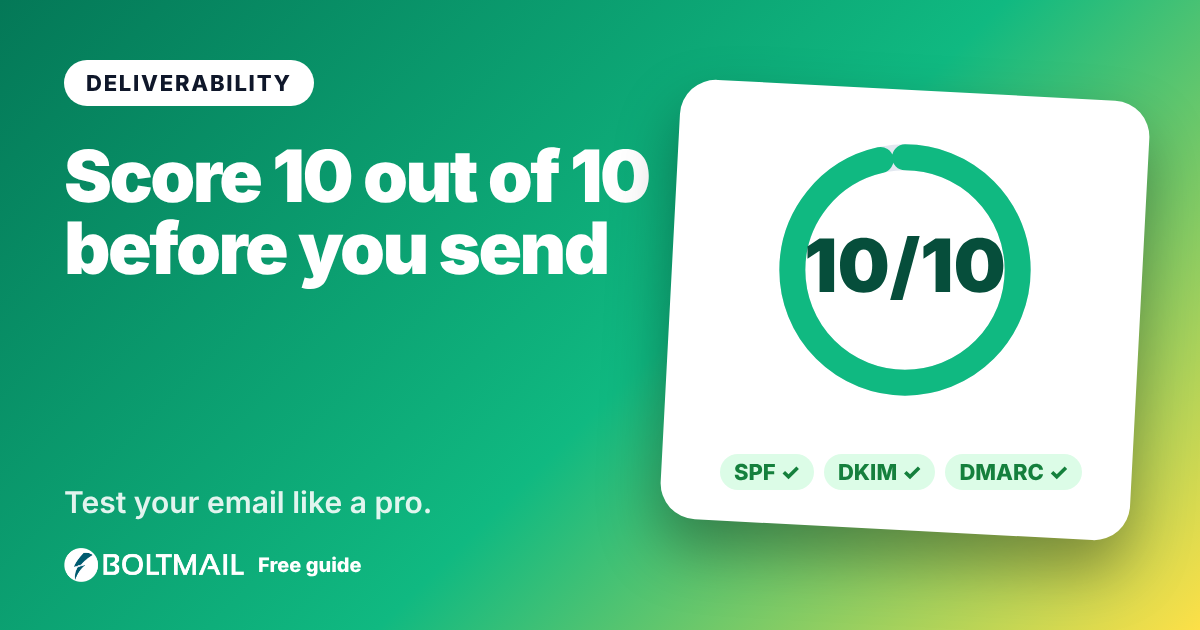
Who you prove you are. SPF lists the servers allowed to send for your domain. DKIM adds a cryptographic signature that proves the message was not changed on the way. DMARC ties the two to the address people see in the From line and says what to do when they fail. Missing or broken authentication is the single biggest reason legitimate mail is filtered.
How your sending server behaves. Receivers keep lists of addresses that have sent spam. A server on a blacklist, or one with no reverse DNS name, starts with a handicap that no clever wording can fix.
What the message looks like. Shouting subjects, link shorteners, links that show one address but go to another, image-only layouts, hidden text and a missing plain-text version all add points in typical spam filters.
How the tester works
You get a one-time address and send your real email to it, from the same account or service your customers will receive mail from. The tester verifies the DKIM signature against the public key in your DNS, checks SPF and DMARC alignment, looks up the sending IP in twelve public blacklists, confirms its reverse DNS and reviews the headers and content. The score starts at 10 and every finding takes points away, with the biggest deductions for failed authentication and blacklisting.
Reading your score
- 9 to 10: excellent. Your authentication is in place and nothing looks suspicious.
- 7 to 9: good, with easy wins listed in the report.
- 5 to 7: risky. Some providers will send you to spam.
- Below 5: poor. Expect filtering or rejection until the biggest problems are fixed.
The fixes that matter most
- Publish SPF that lists every service that sends for your domain, and stay under ten DNS lookups.
- Turn on DKIM at your email provider or sending service and publish the key it gives you.
- Add DMARC, starting with p=none and a report address, then tighten to quarantine and reject.
- Use a real, aligned From domain so SPF or DKIM passes for the same domain recipients see.
- Add a List-Unsubscribe header to anything that looks like a newsletter. Gmail and Yahoo expect it.
- Send both HTML and text, keep links honest and avoid trigger words and shouting.
What a test cannot tell you
No tool can promise inbox placement at Gmail or Outlook. Placement also depends on your sending history and on how recipients react, which only the provider can see. A deliverability test shows the signals you control, and fixing those gives you the best possible footing.
Test, fix and test again
Run a test, fix the largest deduction, wait for DNS changes to appear and run a fresh test with a new address. Watching the score climb is the quickest way to know a change really worked. Open the Email Deliverability Tester and send your first message.