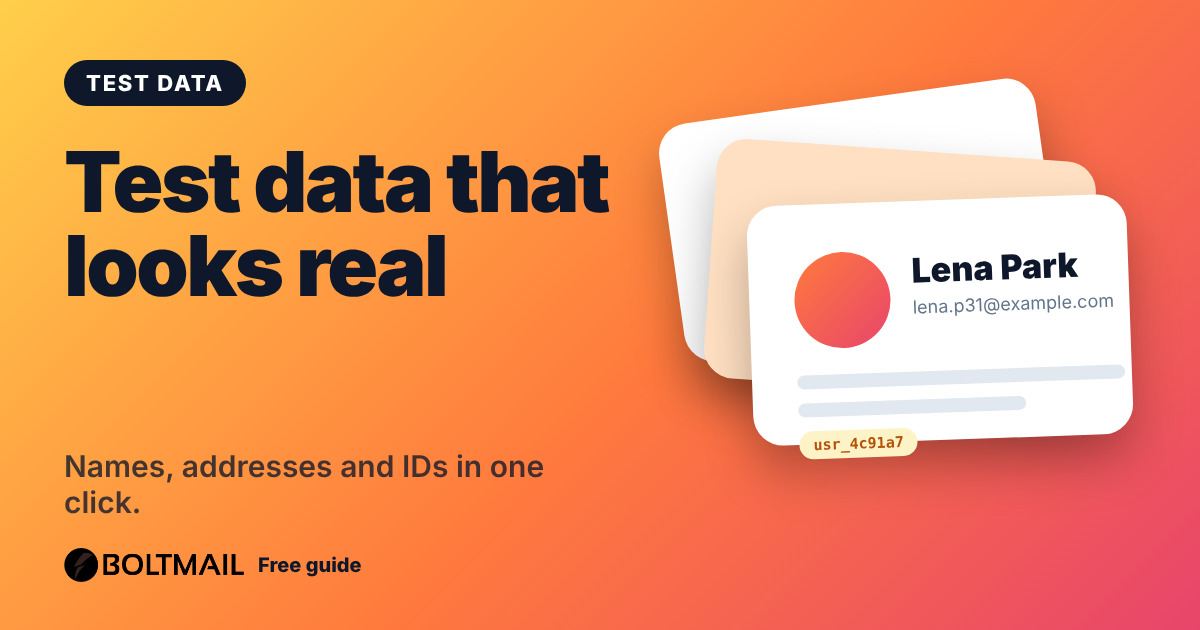
Anyone who builds software, designs a screen or tests a sign-up form has hit the same problem: you need a name, a username and an address, and typing "asdf" every time is slow and unrealistic. A fake name generator creates complete, believable profiles on demand. The free BoltMail Fake Name and Profile Generator makes a full profile in one click: name, username, email, phone, date of birth, address and a set of harmless sample IDs.
What a fake profile contains
- Name and gender assembled from lists of common first and last names for the region you pick.
- Username in styles people really use, such as
anna.meyer27. - Email on a reserved example domain, so a test message can never reach a real person.
- Address and phone in the format of the chosen country: United States, United Kingdom, Canada, Australia, Nigeria or Germany.
- Date of birth and occupation for forms that ask for them.
- Test identifiers: a user ID, a UUID, a customer ID and a sample API token for populating databases and API calls.
Who uses fake profiles
Developers and QA testers use them to fill databases, check validation rules and see how long names and unusual characters behave in a layout. Designers use them to replace "Lorem ipsum" in mockups with data that looks real, which exposes problems early. Teachers and trainers use them in demos so no real customer data appears on a projector. Writers and game designers use them for character names.
Testing is where it pairs best with a disposable inbox. Create a profile, sign up to your own staging site with a free BoltMail address and watch the verification email arrive. Our QA checklist for email verification walks through what to test, and the guide to disposable email for development explains why it beats using your own mailbox.
What it is not for
Fake data is a tool for testing, demos and casual privacy. It is not a way to deceive. Do not use generated details to impersonate a real person, to open accounts where the law requires accurate information, or to get around identity checks. That is why this generator deliberately does not produce government identification numbers or payment card numbers. The IDs it makes are limited to values that mean nothing outside your test system.
The names and addresses are random combinations. A generated address is not a real, deliverable home and a generated name is not a real person, although a coincidence is always possible with common names.
Protecting your privacy on casual sign-ups
Many sites ask for far more than they need: a full name, a phone number, a birthday. If you only want to read an article or download a free guide, you do not owe them accurate personal details, as long as the service does not require them by law or contract. A generated profile, combined with a temporary email address, keeps your real identity out of marketing databases. Read more about why this matters in how websites track you with your email address.
Tips for better test data
- Pick the region that matches your users so address and phone formats are realistic.
- Generate a bulk list, up to 25 rows, to fill a table or import file.
- Copy the profile as JSON when you need to paste it into an API request or fixture.
- Test edge cases yourself too: very long names, accents, apostrophes and hyphens.
- Never mix fake and real records in production systems.
How it works
Everything is created in your browser using the secure random generator built into it. Nothing you generate is sent to or stored by BoltMail, and there are no accounts or limits. Click any field in the profile to copy it, or copy the whole profile in one go.
Open the fake name and profile generator, choose a region and style, and you have a complete test identity in a second. Combine it with the password generator and a temporary inbox and you can run through a whole sign-up flow without a single real detail.