If you have had the same email address for more than a couple of years, you already know the feeling. A handful of useful messages are buried under dozens of promotions, newsletters you do not remember joining and the occasional message that looks just a little too good to be true. Email spam has been around since the early days of the internet, and it has never really gone away. The good news is that you can reduce it by an enormous amount with a few changes in how you give out your address.
Why you get spam in the first place
Understanding where spam comes from makes it much easier to stop. Your address typically ends up on a list in one of five ways:
- You gave it away. Sign-up forms, loyalty cards and "free" downloads often share or sell addresses, and tiny pre-ticked boxes hide consent.
- A service was breached. When a company is hacked, its customer list is traded. We explain how this happens in email privacy and data breaches.
- Harvesting bots. Automated programs scrape websites, forums and public code repositories for anything that looks like an address.
- Guessing. Spammers simply try common names at popular providers.
- Replies and tracking. Responding to or even opening a spam message can confirm that your address is real and active. The use of invisible images for this purpose is described in this overview of email tracking.
1. Use a temporary address for one-off sign-ups
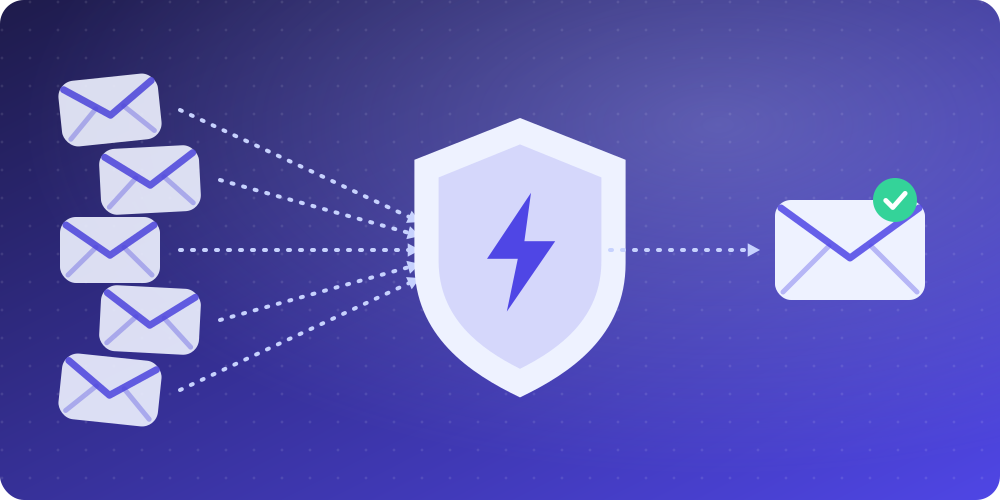
This single habit prevents more spam than all the others combined. When a site wants your email only to deliver a link, a code or a discount, give it a disposable address instead. With BoltMail, your address is ready the moment the page loads. Paste it into the form, receive your confirmation and walk away. The address expires on its own, so the marketing that follows has nowhere to go.
2. Keep two (or three) addresses
Separate your communication into tiers. One address is for people and important accounts: banking, work, family. A second is for shopping and newsletters you actually enjoy. The third is disposable, for everything else. Over time the first stays clean and you can ignore the second without guilt.
3. Never reply to or click anything in spam
Replying, opening a suspicious attachment or clicking "unsubscribe" in a message from a sender you do not know tells the spammer that a human is on the other end. Delete the message, or better still, mark it as spam so your provider learns from it.
4. Unsubscribe safely, and only from legitimate senders
In many countries, legitimate marketers are legally required to honour unsubscribe requests; in the United States this is set out in the CAN-SPAM rules, which the FTC explains in its compliance guide. That applies to companies you recognise and have dealt with. For unknown senders, unsubscribing is a gamble, so use the spam button instead.
5. Turn on your provider's filters and add your own rules
Gmail, Outlook, Yahoo and Proton all filter aggressively, but you can tighten them further. Create rules that automatically archive newsletters, label anything from a particular store and delete messages that contain words you never want to see. Review the spam folder occasionally so you can rescue the rare false positive.
6. Do not publish your address in plain text
Bots scrape pages for anything shaped like name@domain.com. If you must put an address online, use a contact form, an image, or a spelled-out version ("name at domain dot com"). Better still, use a dedicated public address that you are happy to abandon. Our own contact page uses a form for exactly this reason.
7. Use email aliases for accounts you will keep
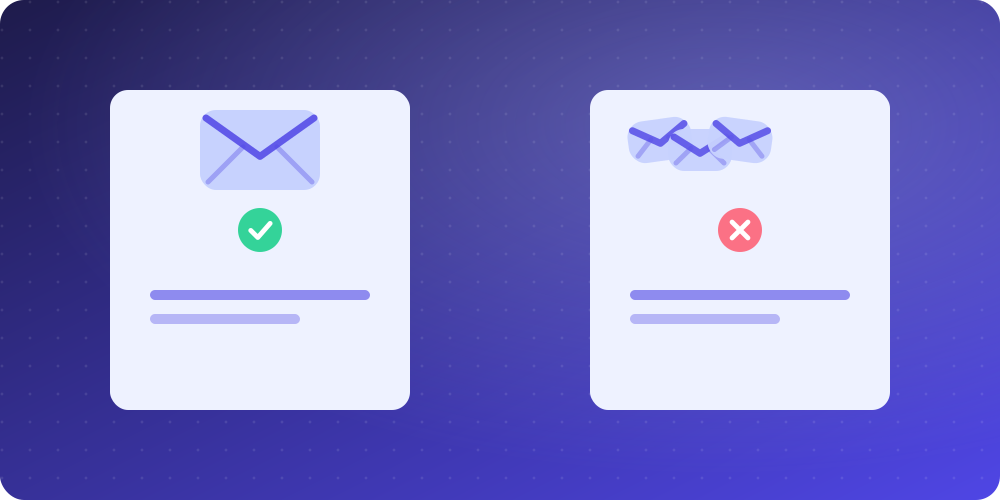
Many providers, including Apple, Fastmail, Proton and Gmail (using plus-addressing like you+shop@gmail.com), let you create aliases that forward to your real inbox. If one alias starts receiving junk, you can switch it off without touching the others. For a detailed comparison of aliases and disposable addresses, read temp mail vs email alias vs real email.
8. Check whether your address has been exposed
The free service Have I Been Pwned lets you enter an address and see which known breaches it has appeared in. If yours has, change the password for the affected service (and anywhere else you reused it) and expect a rise in targeted spam. This is a good moment to retire the address from important roles if you can.
9. Learn to recognise phishing
Not all spam is merely annoying. Some of it is designed to steal passwords or money. Phishing messages impersonate banks, delivery companies, colleagues and even your own email provider. Warning signs include urgent deadlines, mismatched sender addresses, unexpected attachments, requests for credentials and links whose visible text differs from where they really go. The FTC has a practical guide on how to recognise and avoid phishing scams, and CISA explains how to recognise and report phishing. When in doubt, do not click: open the company's website by typing its address yourself.
A simple 15-minute clean-up plan
- Create a free temporary inbox and use it for the next three sign-ups you would normally give your real address to.
- Search your inbox for the word "unsubscribe" and remove yourself from every sender you recognise but no longer read.
- Add filter rules for the two or three worst remaining offenders.
- Check your address on Have I Been Pwned and change any reused passwords.
- Decide which of your addresses is "personal", "shopping" and "disposable", and stick to the plan.
What if the spam never stops?
If a particular address has been circulating for a decade, it may simply be too exposed to rescue. In that case the pragmatic answer is to open a fresh address, move your important accounts across over a few weeks and keep the old one only as a catch-all for things you no longer care about. Meanwhile, use disposable addresses so the new one never ends up in the same situation. You can learn more about how that works in our complete guide to temporary email, or browse the frequently asked questions.
Final thoughts
You will never stop spam completely, but you can make your inbox a calm place again. The core idea is simple: the fewer places that know your real address, the less there is to leak. Start with one change today, whether that is a new filter or your first disposable address, and add the others as you go.