Almost every website, app and newsletter wants your email address before it gives you anything in return. A discount code, a PDF, a free trial, a Wi-Fi login: the price of admission is your inbox. Hand your real address to enough of them and you will soon be digging through promotions, "we miss you" messages and, eventually, outright scams. A temporary email address is the simplest way to say no to all of that without giving up the thing you actually wanted.
What is a temporary email address?
A temporary email address, also called a disposable email address, throwaway email or "temp mail", is an inbox you can create instantly, use for a short time and then abandon. There is no registration form, no password to remember and no personal information to provide. You get an address, you use it where you would normally type your real one, and any message sent to it appears on a web page in front of you.
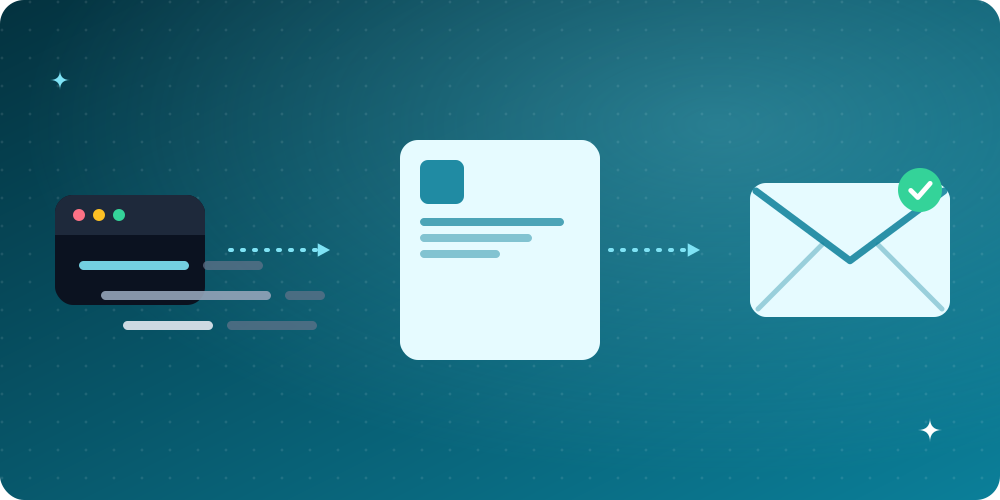
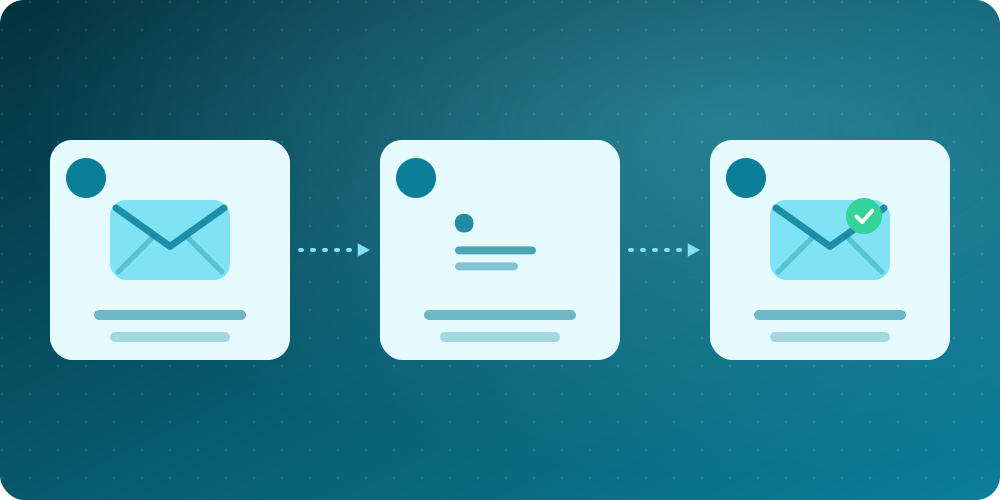
On BoltMail the process takes about a second. Open the home page and an address is already waiting for you. Copy it, paste it into the sign-up form, and watch the confirmation message arrive in your inbox view. When you are finished you can simply close the tab; the address and everything in it are cleared automatically after a short retention period.
How does disposable email actually work?
Email is built on a handful of open standards. Messages travel between servers using the Simple Mail Transfer Protocol, described in RFC 5321, and the structure of the message itself is defined in RFC 5322. A temporary email service sits at the receiving end of that chain. It owns one or more domains and runs a "catch-all" mailbox, which means that mail sent to any name at those domains is accepted instead of being rejected as an unknown user.
The service then does three things:
- Collects every incoming message from its catch-all mailbox.
- Sorts each one into the right virtual inbox by looking at the recipient address.
- Shows the result in your browser, usually refreshing every few seconds, and deletes it after a set time.
Because the address is not tied to an account, nobody has to verify who you are. The "inbox" is really just a filtered view of one big shared mailbox, protected by the fact that the address you are using is unlikely to be guessed by anyone else.
Why people use temporary email
The reasons are more varied than most people expect. Here are the most common ones.
1. Avoiding spam and marketing lists
Once an address lands on one marketing list it tends to end up on many. Using a disposable address for one-off sign-ups keeps your real inbox clean. If you want a deeper look at the problem, read our guide on how to stop spam emails for good.
2. Protecting your identity
Your email address is often the key that links your accounts together across the internet. Using a different address for a site you do not fully trust makes it harder for data brokers to build a profile of you. We cover what happens when a service you trusted is hacked in email privacy and data breaches.
3. Testing and development
Developers and QA engineers need a steady supply of working addresses to test registration flows, password resets and notification emails. A temp mail inbox is ideal because there is nothing to clean up afterwards. See how developers use disposable email for testing.
4. One-time downloads and trials
If a website only wants an email address to send you a download link, a temporary inbox gets you the link and nothing more.
5. Using public Wi-Fi and unfamiliar services
When you are not sure a service deserves your trust, handing it a throwaway address is a low-cost safety margin.
When a temporary email is not the right choice
Disposable does not mean "better for everything". Because anyone who knows or guesses the address can read what arrives, and because messages are deleted automatically, a temp mail inbox is the wrong tool for several jobs:
- Anything you will need to recover later. Banking, shopping accounts, government portals and anything with a "forgot my password" path should use an address you will always control.
- Sensitive conversations. Never use a public temporary inbox for confidential documents, private messages or two-factor codes for accounts that matter.
- Services that ban disposable domains. Some sites block known temporary email domains. If so, an alias on your real provider is the better workaround. We compare the options in temp mail vs email alias vs real email.
How to create a temporary email address in four steps
- Open BoltMail. Your address is generated automatically.
- Press the copy button, or press Randomize for a new readable address. If you want something specific, type your own prefix and pick a domain.
- Paste the address into the sign-up form of the site you are testing or joining.
- Keep the BoltMail tab open. The confirmation or code appears in the inbox within moments, and you can read the full message, including images and formatting, right on the page.
Prefer to carry on from your phone? Use the QR button to open exactly the same inbox on a mobile device.
Is temporary email safe and legal?
Using a disposable address is perfectly legal in most places; it is simply an email address. The privacy gain is real, but it comes with trade-offs. The inbox is not protected by a password, so treat it as public-ish. Do not receive anything you would not be comfortable with a stranger seeing. A reputable service also explains clearly how long it keeps data. You can read exactly how BoltMail handles information in our Privacy Policy, and the most common questions are answered on the FAQ page.
It is worth remembering that spam itself is a real and persistent problem; the history and scale of unsolicited mail is summarised well in this overview of email spam. Disposable addresses will not end that problem, but they stop it from reaching you.
Tips for getting the most from a disposable inbox
- Use a fresh address per service. It makes it obvious which company sold or leaked your details if spam starts arriving.
- Act quickly. Verification links often expire in minutes, and messages are cleared after the retention period.
- Do not reuse it for accounts you care about. If you cannot get back into the inbox, you cannot reset the password.
- Watch for phishing. Treat links in unexpected messages with caution, even in a throwaway inbox.
The bottom line
A temporary email address is a small tool with a large payoff: it lets you take what a website offers without paying with your privacy or your attention. Use it for trials, downloads, tests and anything you do not need to come back to, and keep your real address for the things that matter. When you are ready, create your free temporary email address now. If something is unclear, our team is happy to help through the contact page.