You can create a disposable email address in about thirty seconds, for free, with no account and no password. There is nothing to install and nothing to remember. This guide shows exactly how to do it on a computer and on a phone, how to pick your own name, how to keep the address when you switch devices, and the handful of mistakes that cause people to lose a message they were waiting for.
What you need
Only a browser. No phone number, no existing email address, no personal details. A disposable address is created on the spot by a temporary email service and starts receiving mail the moment it exists. If you are new to the idea, read what a temporary email address is first; otherwise, carry on.
Method 1: a random address in one click
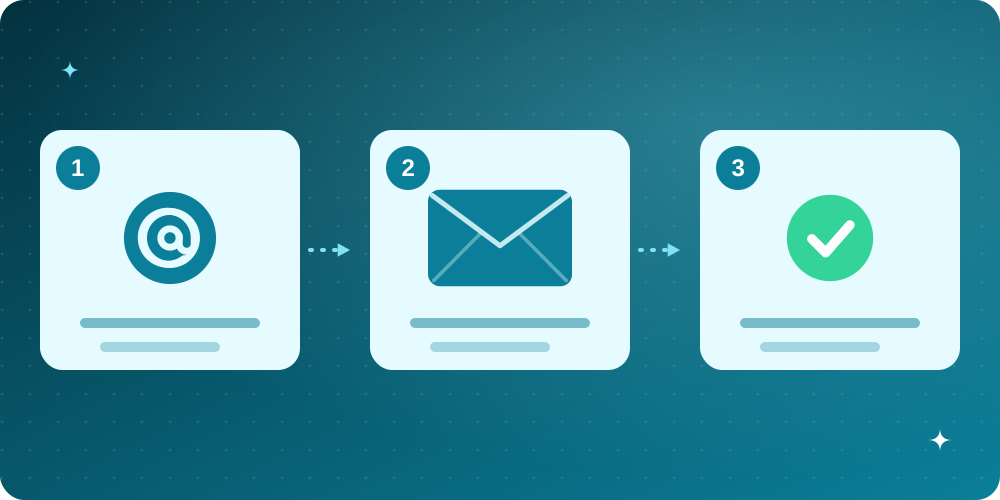
- Open the BoltMail home page. An address such as quiet.river@example.com is already generated for you.
- Press the copy button next to the address.
- Paste it into the sign-up form that asked for your email and submit.
- Watch the inbox on the same page. Most confirmation messages arrive within ten seconds.
That is all. If you do not like the address, press the randomize button for a different one. The domain is picked from the available domains each time, so you are not stuck with a single one.
Method 2: choose your own name
Sometimes a custom name is useful, for example when you need to read the address out loud or type it on a TV. Under the address you will find a box for a custom prefix:
- Type the part before the at sign (letters, numbers, dots, dashes and underscores work).
- Pick a domain from the list.
- Press Create Mailbox.
If the name is already used by someone else you will be told it is taken. That is by design: each address can belong to only one person at a time, so nobody else can read your mail.
Method 3: on your phone
The home page works in any mobile browser, so the steps are the same. If you start on a computer and want to continue on your phone, use the QR code button above the inbox. It opens a private link that carries a secret key instead of the plain address. That detail matters: a link that contained only the address could be copied by anyone who sees it, while a secret link opens your inbox alone.
Where your history lives
Every mailbox you create in a browser is remembered in a History list under the address box. You can switch between them, copy any address again or delete the ones you no longer need. There is a limit to how many mailboxes one person can hold at the same time, which keeps the service fair; deleting one frees a place.
Mistakes that make people lose a message
- Closing the tab too early. Wait for the email, or at least save the address with the QR code or History before you leave.
- Typing the address by hand with a typo. Use the copy button rather than retyping.
- Expecting the inbox to last forever. Disposable means disposable. Do not use it for accounts you must recover later.
- Using it for something important. Banking, tax and similar accounts need a permanent address. Read which type of email to use for what.
- Hammering the form. If the first email is slow, resubmitting repeatedly can trigger the sender's anti-abuse limits and delay things further.
If the email does not arrive
Work through this list in order:
- Press refresh once and wait thirty seconds. Some senders queue messages.
- Check the address on the sign-up form for typos.
- Look at the form: some sites block disposable domains and quietly never send anything. If the form said the address is not accepted, see why websites block disposable emails.
- Request the message again once, then create a fresh address if it still fails.
Frequently asked questions
Do I need to register?
No. There is no registration, password or personal detail involved.
Can I create more than one address?
Yes, up to the per-person limit shown in your History list.
Is it really free?
Yes. The service is free to use.
Can I reply from a disposable address?
No. Disposable inboxes only receive mail.
Is a disposable address anonymous?
It keeps your real address private from the website, but it is not a tool for hiding your identity from everyone. Read email privacy and data breaches for what it does and does not protect.