
There is more than one way to give a website your email address. You can hand over your real one, create an alias that forwards to it, or use a throwaway inbox that disappears on its own. Each option has a clear sweet spot, and picking the wrong one is how people either drown in spam or lock themselves out of an important account. This guide compares all three so that you can choose in seconds.
The three options explained
Your real email address
This is the address at your main provider that you check every day. It is permanent, it is tied to your identity, and it is the one used for recovery and verification on almost every serious account you own. Its great strength is reliability. Its weakness is that every place you use it becomes another place that can sell, leak or misuse it.
An email alias
An email address alias is a second address that forwards to your real inbox. Some providers let you create them freely, others support "plus addressing" (you+news@example.com), and a number of privacy services generate a new alias for every site. You can read and reply from your normal mailbox, and if an alias is abused you can switch it off.
A temporary (disposable) email address
A temporary email address is created on a website such as BoltMail in one click, requires no account and is deleted automatically. Nothing is forwarded; you read the messages on the web page while you wait. We explain the whole idea in what is a temporary email address.
Side-by-side comparison
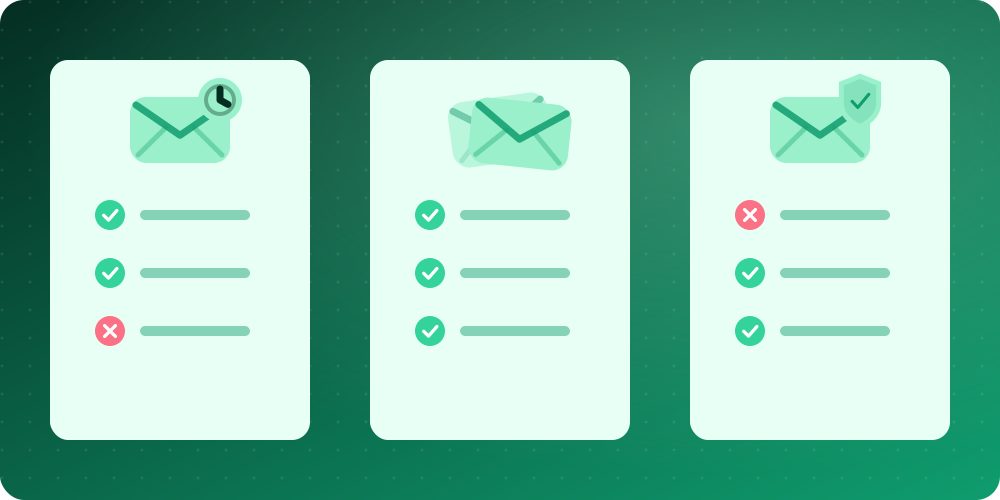
| Feature | Real email | Alias | Temp mail |
|---|---|---|---|
| Setup time | Already done | 1 to 2 minutes | Instant |
| Account or sign-up needed | Yes | Usually | No |
| Long-term availability | Permanent | As long as you keep it | Short-lived |
| Can receive password resets later | Yes | Yes | Not reliably |
| Spam protection | Low | High | Very high |
| Privacy from the website | Low | Medium to high | Very high |
| Can send replies | Yes | Yes (provider dependent) | No |
| Accepted by every site | Yes | Almost always | Not always |
| Cost | Free or paid | Free or paid | Free |
When to use your real email
Use your real address wherever being locked out would hurt. That means banks and financial apps, government and tax portals, your main shopping accounts, healthcare, your employer, and any service you pay for. These sites need a stable address for security alerts, receipts and recovery. It is also the right choice for people: friends, family and professional contacts.
If you are worried about exposure, choose a strong, unique password for each of these accounts and enable two-step verification. The password advice from the US standards body is a good reference: see the NIST digital identity guidelines.
When an alias is the better choice
Aliases shine for accounts you will keep but do not fully trust with your main address. Typical examples are online shops you buy from regularly, newsletters you want to receive, forums and communities, and loyalty programmes. Because mail still arrives in your normal inbox, you will not miss receipts or delivery notices, yet you retain a kill switch. If you start receiving junk to you+shopsite@…, you know exactly who shared your address and you can block that alias with a single filter.
Aliases also make it easier to see which companies have been breached. We talk about why that matters in email privacy and data breaches.
When temp mail wins
A disposable address is unbeatable when you want something quick and have no intention of returning. Good examples include:
- Downloading a white paper, template or free tool that gates the link behind an email.
- Trying a free trial you expect to cancel.
- Getting a one-time verification code to look at a page.
- Joining a Wi-Fi hotspot that insists on an address.
- Testing your own sign-up form during development (see disposable email for testing and development).
Since nothing is stored against your identity and nothing needs to be cleaned up, there is simply less to worry about. If you want to try it now, open BoltMail and your inbox is ready.
A quick decision guide
- Will I need to log in or recover this account in a year? If yes, use your real address or an alias that you control.
- Does this site have a record of sending a lot of marketing? If yes, use an alias or a disposable address.
- Do I need to reply or send from it? Then choose an alias or your real address, because temp mail is receive-only.
- Is this a one-off? Use temp mail.
- Is the information sensitive? Use your real address with a strong password and two-step verification, never a public inbox.
Common mistakes to avoid
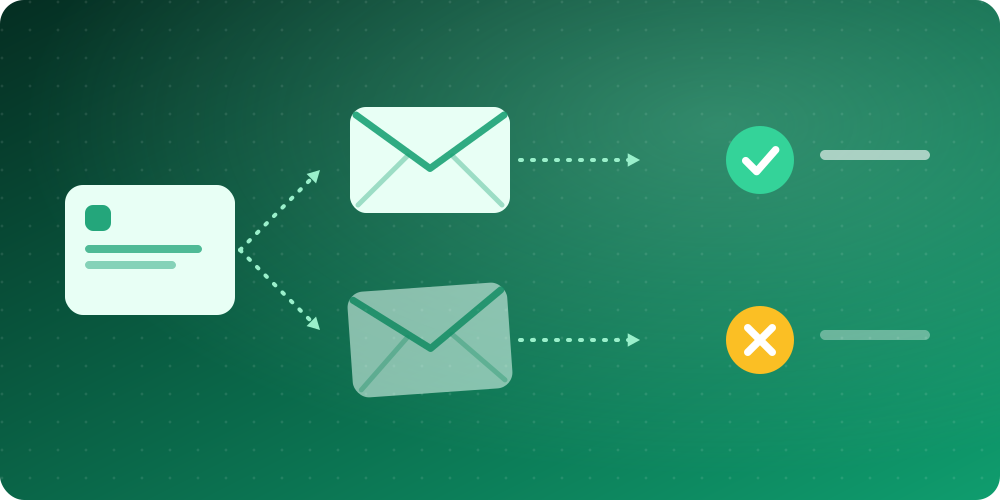
- Registering an important account with temp mail. When the inbox expires, so does your access to password resets.
- Giving every site the same alias. You lose the main benefit, which is being able to disable one source.
- Assuming a disposable inbox is private. Anyone with the address can read it. Keep sensitive messages away from it.
- Ignoring the retention period. Read the service's policy so you know when messages vanish. Ours is described in the Privacy Policy and the FAQ.
Can you combine all three?
Absolutely, and most privacy-conscious people do. A sensible setup looks like this: your real address for the accounts that run your life, a handful of aliases for shops and newsletters, and temporary email for everything else. Each layer protects the one beneath it, and your most valuable address stays out of circulation.
Final verdict
There is no single winner; the best approach is matching the tool to the job. Real email gives you reliability, aliases give you control, and temp mail gives you freedom from commitment. If you have been giving out your main address by default, start today by switching your next one-off sign-up to a free temporary email address. Questions about how it works? Visit our contact page.