

Email Signature Generator
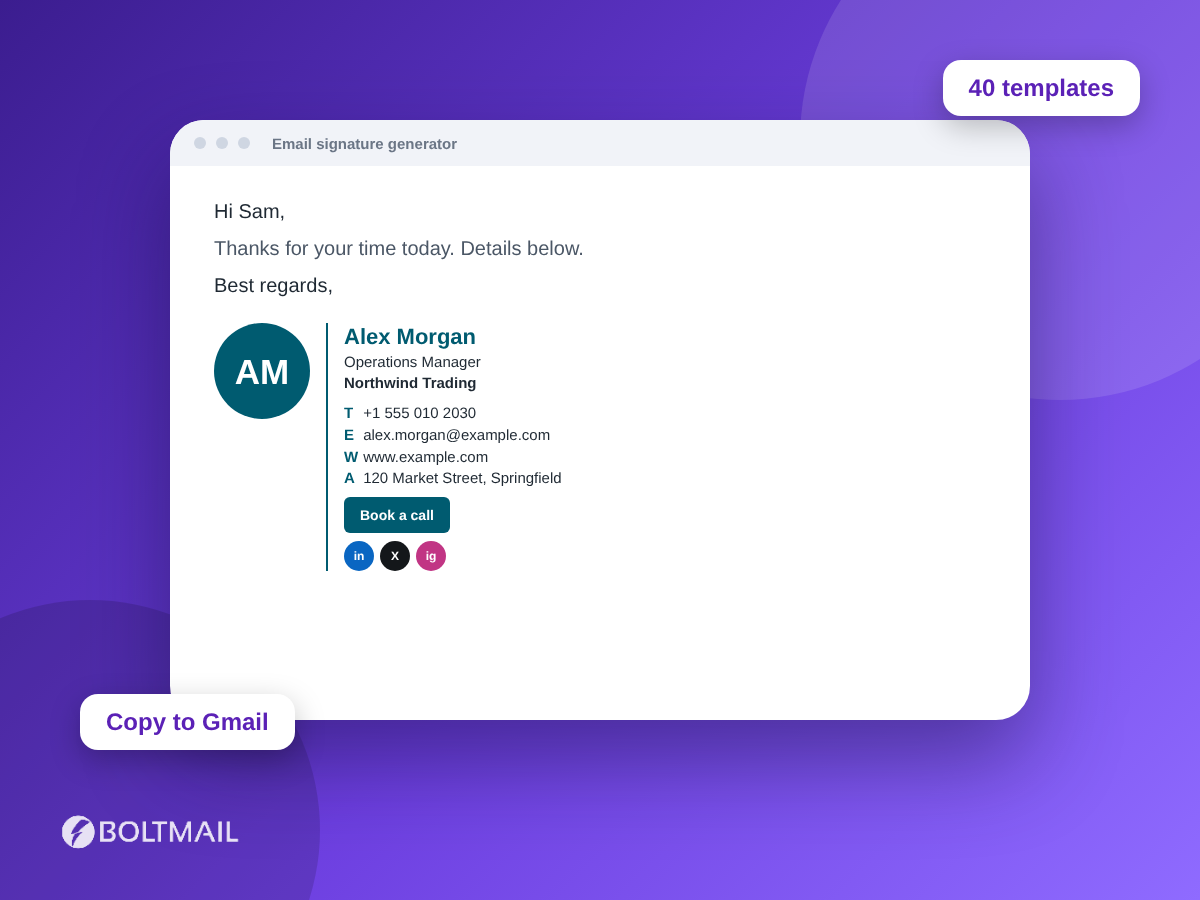
Build a clean, professional HTML email signature in minutes. Start from one of 40 premade templates or create your own for sales, real estate, healthcare, legal, developers and more, change every colour, font and detail, then copy it straight into Gmail, Outlook or Apple Mail.
- 40 premade templates
- Works in Gmail and Outlook
- Nothing is uploaded
 Taylor BrooksLicensed Real Estate Agent
 Jordan BlakeSenior Account Executive
Loading the signature designer…
Built in your browser. Your details and pictures are never uploaded. The sample portraits in the templates are loaded from Unsplash, and you replace them with your own. The design is remembered in this browser only.
Try your new signature Send a message from your mail app to a free BoltMail inbox and see how the signature looks when it arrives.
Get a free inboxWhat you get
Built to be quick, clear and private.
Choose a finished design, or create one from scratch for your kind of work with sample details and the extra lines it needs already in place.
Seven layouts, brand colours, ten mail-safe fonts, picture shapes, social icons in four styles, buttons, dividers and a background.
Tables and inline styles, no scripts and no hosted icons, so it keeps its look in Gmail, Outlook, Apple Mail and Yahoo.
A built-in check looks at contrast, size, width and embedded pictures and tells you what to fix.
How it works
Three steps from start to result.
- Pick a design
Choose a premade template, or press one of the "Create from scratch" types to start with the right sections.
- Make it yours
Fill in your details, add a photo, logo and social links, then adjust colours, fonts and layout. The preview updates as you type, and you can undo any change.
- Copy it into your mail app
Press Copy signature, open the signature settings of Gmail, Outlook or Apple Mail and paste. Or download the HTML file.
What makes a good email signature
A signature is the last thing people read in your email and the first place they look for how to reach you. A good one is short, easy to scan and consistent: your name, your role and company, one or two ways to contact you and, if it helps, a link or button for the next step. Everything else is decoration that can wait.
Mail apps are fussy. They ignore most modern web styling, so a signature that looks perfect in a browser can break in Outlook or lose its pictures in Gmail. This generator builds the signature the way mail apps expect: simple tables with every style written inline, web-safe fonts and text-based icons that need no image hosting. That is why it keeps its layout when you paste it.
Keep it under about 600 pixels wide and 10 KB, avoid large banners and put important details in text, not in a picture, so they still show when images are blocked. If you add a photo or logo, use a link to a picture hosted on your own site; Gmail removes pictures that are embedded in the signature itself.
Great for
- Your first professional signature
- Giving a whole team one consistent look
- Promoting a booking link, listings or portfolio
- Adding a legal or medical confidentiality notice
- Job applications and freelance outreach
- Replacing a signature that breaks in Outlook
Good to know
Gmail removes pictures stored inside a signature. Upload your photo and logo to your website and paste the link, so they show everywhere.
Two ways to contact you are enough. Long signatures push the reply off the screen on a phone.
Send a message to a free BoltMail inbox and look at it on your phone and your computer before you use it for real.
Frequently asked questions
Quick answers about email signature generator.
Is the email signature generator free?
Yes. There is no sign-up, no watermark and no limit on how many signatures you make.
Is my information uploaded or stored?
No. Everything is created in your browser. Your design is remembered in this browser only, so you can continue later, and it is never sent to BoltMail or anyone else.
How do I add the signature to Gmail?
Press Copy signature. In Gmail open Settings, See all settings, scroll to Signature, create a new one and paste. Then save the changes at the bottom of the page.
How do I add it to Outlook?
Copy the signature, then open Settings, Accounts, Signatures (in the desktop app: File, Options, Mail, Signatures), create a new signature and paste it. Set it as the default for new messages and replies.
Why are my pictures missing in Gmail?
Gmail removes pictures that are stored inside the signature. Upload your photo or logo to your own website and paste its link instead of uploading the file here.
Why do the social icons use letters instead of pictures?
Pictures need a server to host them and are often blocked by mail apps. Coloured badges and text links are built from plain table cells, so they always show and never break.
Can I save my design and edit it later?
Yes. The design is remembered in this browser automatically. You can also save named designs under My designs, or export a file and import it on another computer.
Can I use the same signature for my whole team?
Yes. Make one design, change the name and details for each person and copy it for each of them, or export the design file and share it.
What is the best size for an email signature?
Keep it under about 600 pixels wide and 10 KB, with a photo around 80 to 100 pixels square. That fits every mail app and looks good on a phone.
Does it work on a phone?
The generator works on a phone. Your signature is shown in the mail app on your phone once it has been added to your account settings on a computer or in the app.
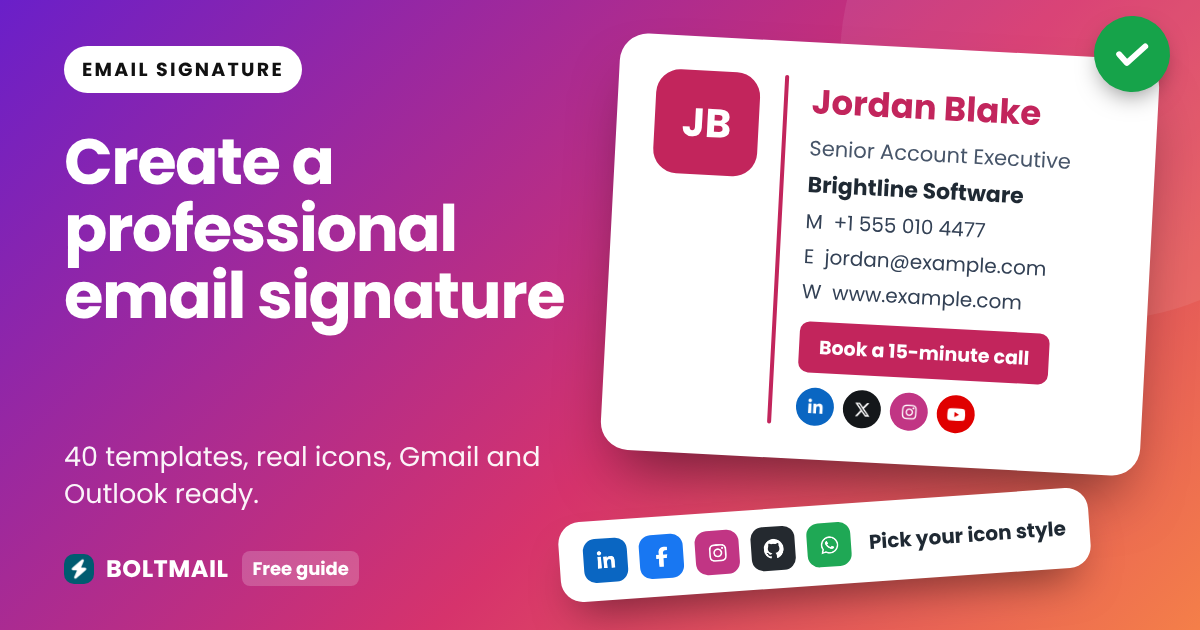
Your email signature is read in every message you send. Learn what to put in it, what to leave out and how to build one that works in Gmail, Outlook and Apple Mail, free, in minutes.
More free tools
Everything works without an account.
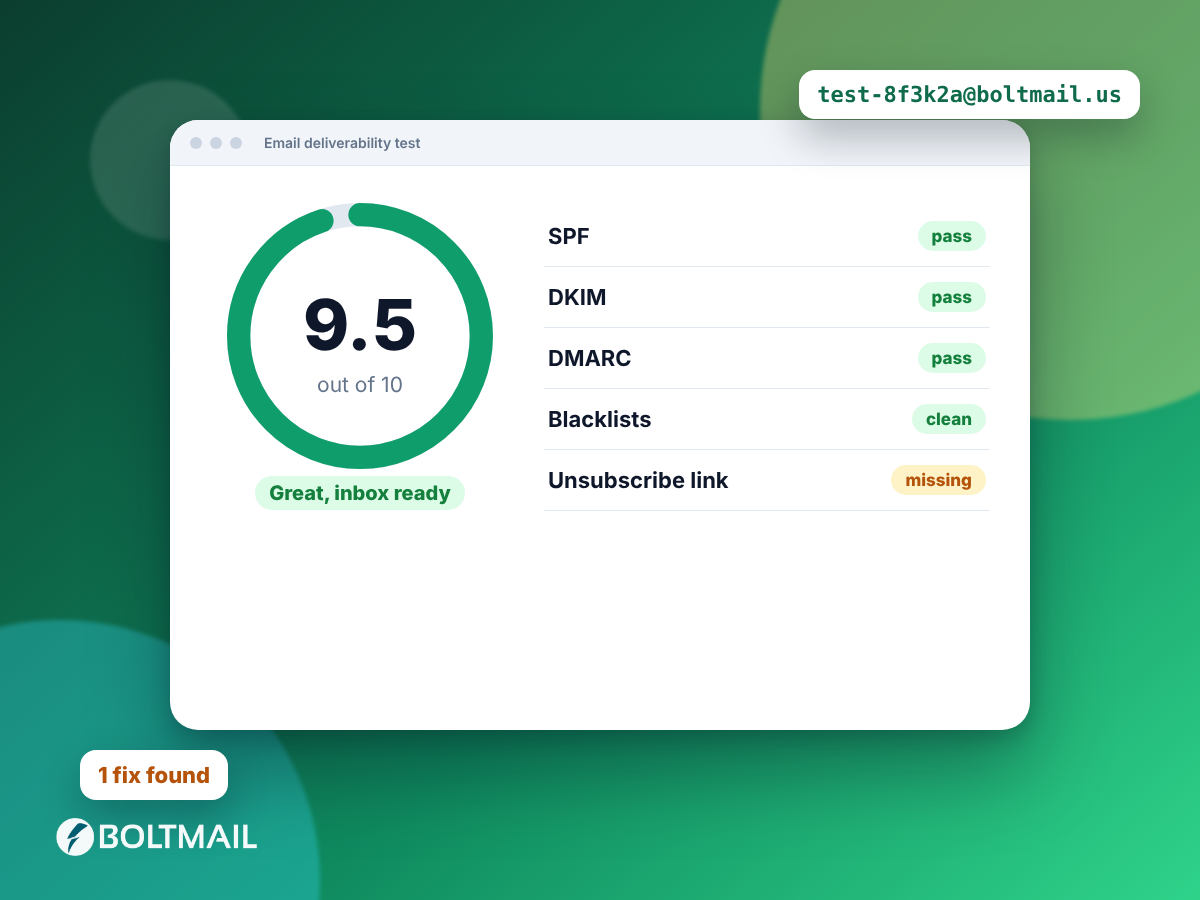
Email Deliverability Tester
Send a real email to a one-time address and get a score out of 10, with SPF, DKIM, DMARC, blacklist and content checks.
Open tool boltmail.us/t/mailtest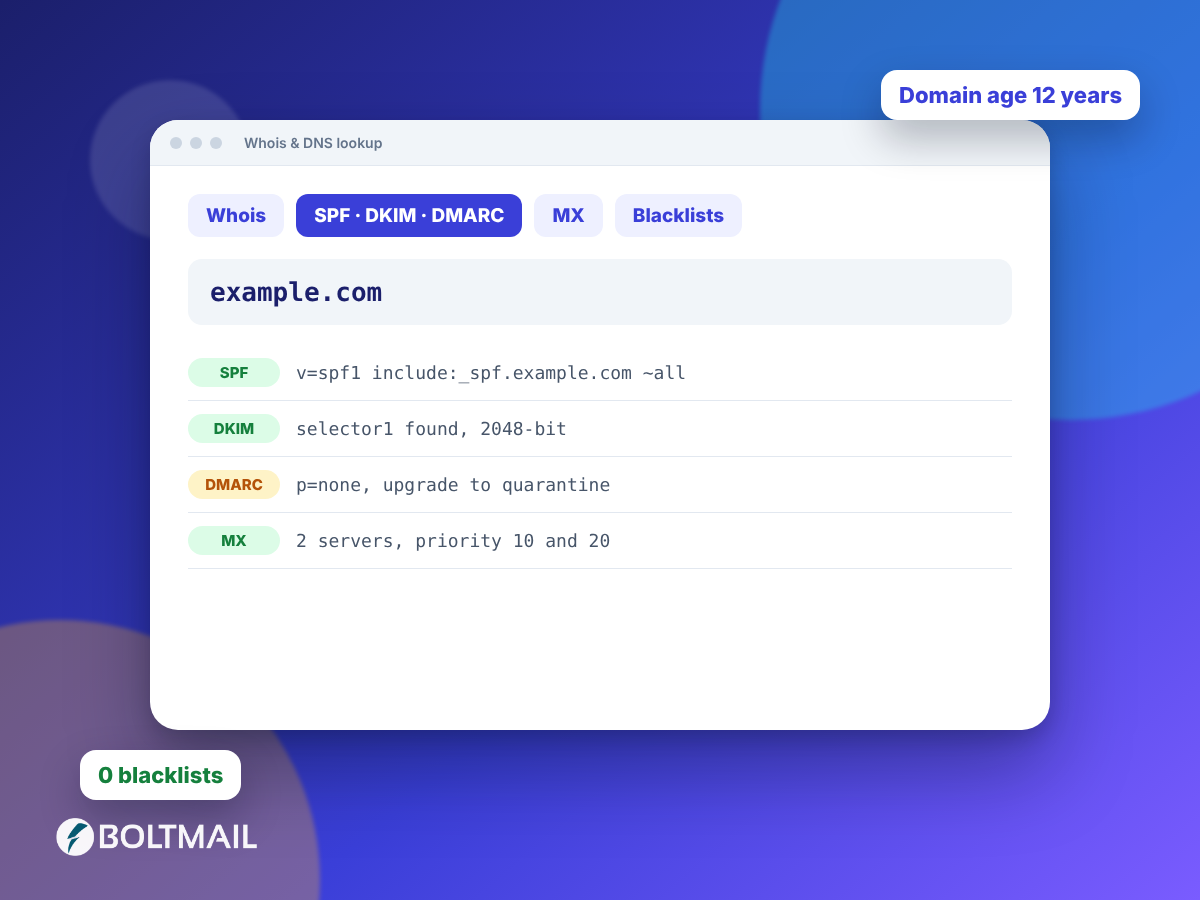
Whois & DNS Lookup
Whois, DNS records, SPF, DKIM, DMARC, MX and blacklist checks for any domain or IP, with problems explained.
Open tool boltmail.us/t/whois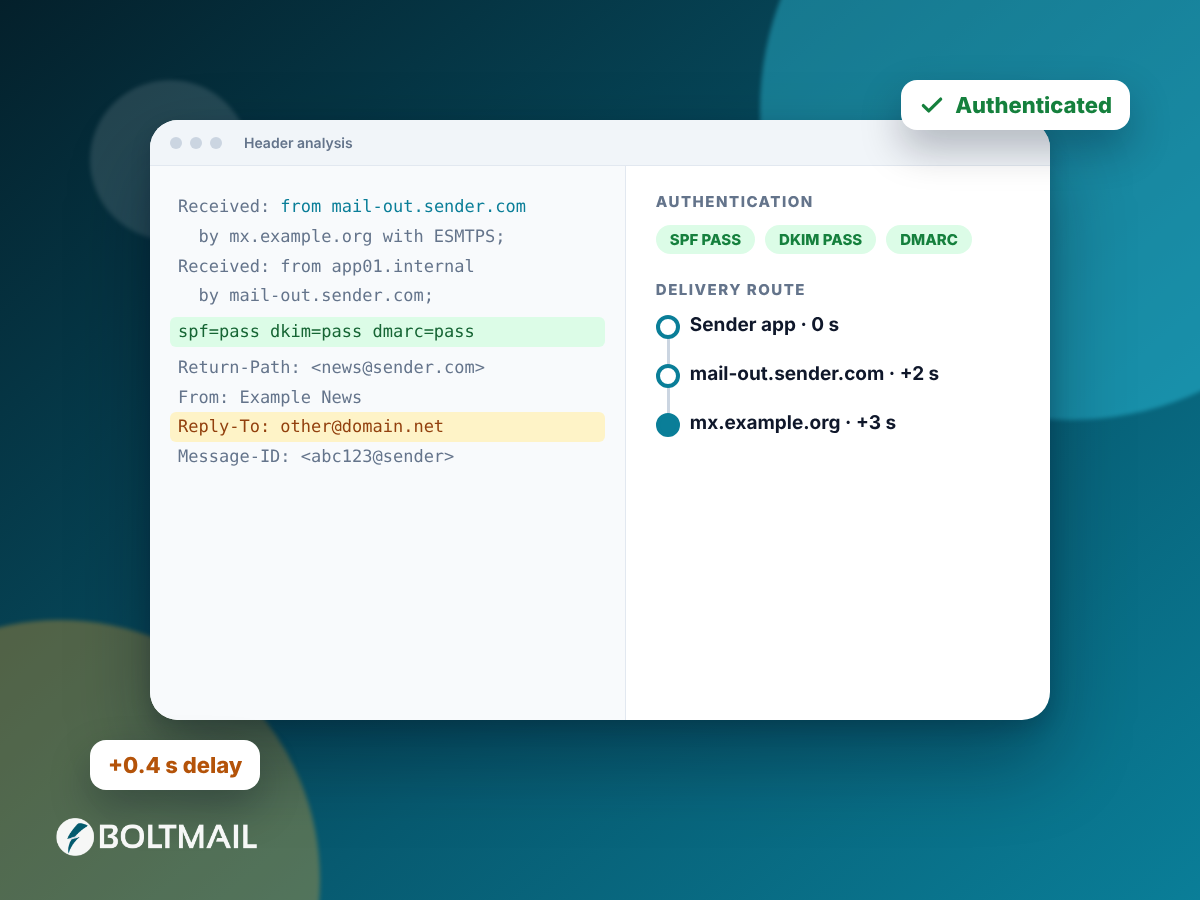
Email Header Analyzer
Paste raw email headers and see the route, delays, SPF, DKIM, DMARC and red flags.
Open tool boltmail.us/t/headers