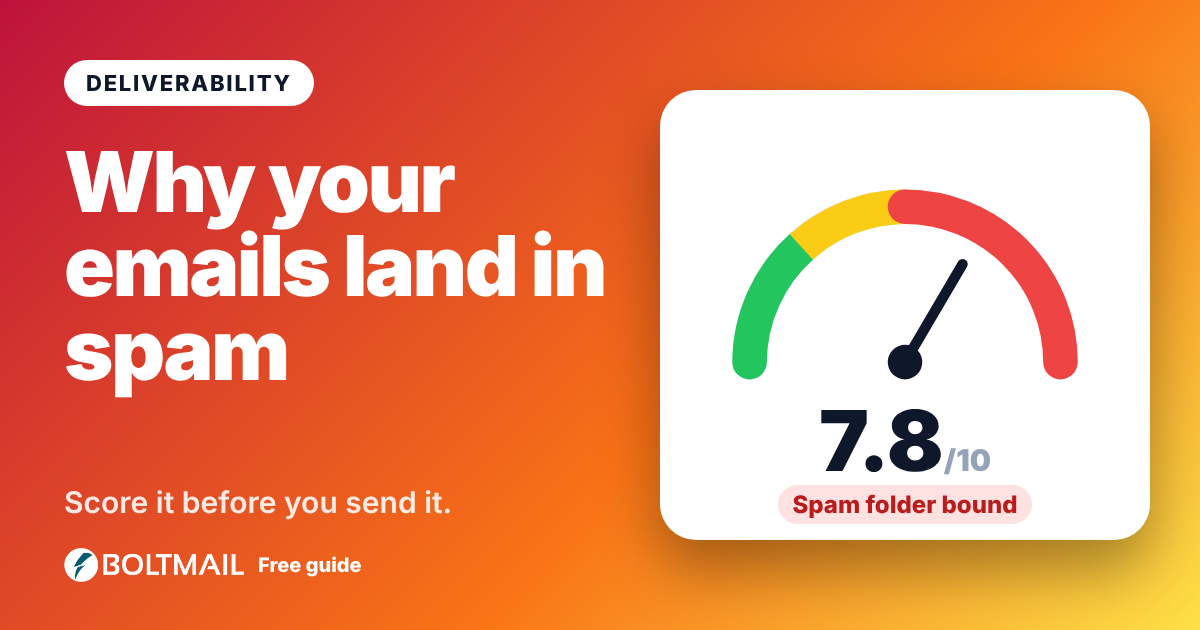
You can write a perfect email and still lose it, because it never reaches the inbox. Spam filters decide in milliseconds, and they judge you on dozens of small signals. A spam score tester lets you see those signals before you hit send. Paste your subject and message into the free BoltMail Email Spam Score Tester and get a score out of 10 with every trigger explained and a fix for each.
How spam scoring works
Filters such as SpamAssassin give every message a score. Each suspicious feature adds points, each trustworthy feature subtracts some, and if the total passes a threshold the message goes to the junk folder or is rejected. Big providers like Gmail and Outlook use their own, much more complex systems, but the basic idea is the same. There are two halves to it: content, which you control directly, and reputation, which depends on your domain, sending history and authentication.
What a content check looks at
- Trigger words and phrases such as "act now", "100% free", "winner", "no obligation" or "make money fast".
- Shouting: subjects in all capitals, lots of exclamation marks and repeated punctuation.
- Money talk: large amounts, currency symbols and prize claims in the subject line.
- Links: too many, shortened with services like bit.ly, or pointing at a raw IP address.
- Images: emails that are one big picture with almost no text, or images without alt text.
- Hidden text: tiny fonts or hidden elements, a classic spam trick.
- Missing basics: no unsubscribe wording in marketing email, an empty subject or a generic greeting such as "Dear friend".
- Fake replies: subjects starting with "Re:" or "Fwd:" on a message that is neither.
The tester checks all of these and gives you the exact list that cost you points.
What score should you aim for?
Below 3 out of 10 is low risk. Between 3 and 5 is moderate: your message may be fine at some providers and filtered at others. Above 5, expect many filters to catch it. These numbers are our own scale for the estimate, not a promise from any provider.
The honest limits of any spam tester
A content tool cannot see your sender reputation, whether your domain has SPF, DKIM and DMARC, how many people mark your mail as spam, or whether your sending server is on a blocklist. Those matter as much as the words. Treat the score as a quick, useful checkup of the part you control, not a guarantee. For the technical side, paste a delivered message's headers into our email header analyzer to confirm that SPF, DKIM and DMARC pass.
Ten ways to lower your spam score
- Write a clear, specific subject under about 60 characters.
- Use normal capitalisation and at most one exclamation mark.
- Cut the hype: say what you offer instead of shouting about it.
- Link to your own domain, never to shortened links.
- Keep a healthy balance of text and images and always add alt text.
- Include a visible unsubscribe link in marketing email.
- Greet people by name.
- Send from an authenticated domain with SPF, DKIM and DMARC set up.
- Send only to people who asked to hear from you.
- Test before every big campaign.
Test with a real inbox
The best check combines the score with a real delivery. Send your message to a free BoltMail inbox and see how it arrives, how it renders and whether any warnings appear. It is also a safe way to test emails from your own app, as covered in our email testing checklist.
How to use the tester
Open the spam score tester, enter your subject line and paste the body, in plain text or HTML. Press Test spam score and read the list from the biggest problem down. Your text is scored in your browser and never uploaded, so it is safe to test drafts that are not public yet. If you want to see the tool work, load the spammy sample and watch how much a few bad habits cost.