"Is temporary email safe?" is one of the most common questions people ask before they try a disposable inbox, and the honest answer is: it depends on what you use it for. A temporary address is a very good way to keep your real inbox private. It is a poor place to keep anything you cannot afford to lose. This guide explains the difference so you can use BoltMail with confidence.
The short answer
For low-stakes tasks such as downloading a guide, joining a newsletter you may not want, testing a sign-up form or getting a one-time confirmation link, a temporary email address is safe and often safer than using your real one, because it keeps your personal address out of marketing databases. For accounts that matter, such as banking, shopping accounts, social media, work tools and anything with a password-reset path, use an address you will always control. If you want the full background first, start with what a temporary email address is and how it works.
What "safe" actually means here
Safety has two sides, and they pull in opposite directions:
- Privacy from the website. The site you sign up to never learns your real address, so it cannot sell it, add it to a list or lose it in a breach. Disposable email is excellent at this.
- Privacy of the inbox itself. A public temporary inbox has no password. Anyone who knows or guesses the exact address can open it while it exists. That is the trade-off you accept in exchange for zero sign-up.
Keeping these two apart removes most of the confusion. Temp mail protects you from the sites you use; it does not protect the messages sent to it from someone who has the address.
Who can read a temporary inbox?
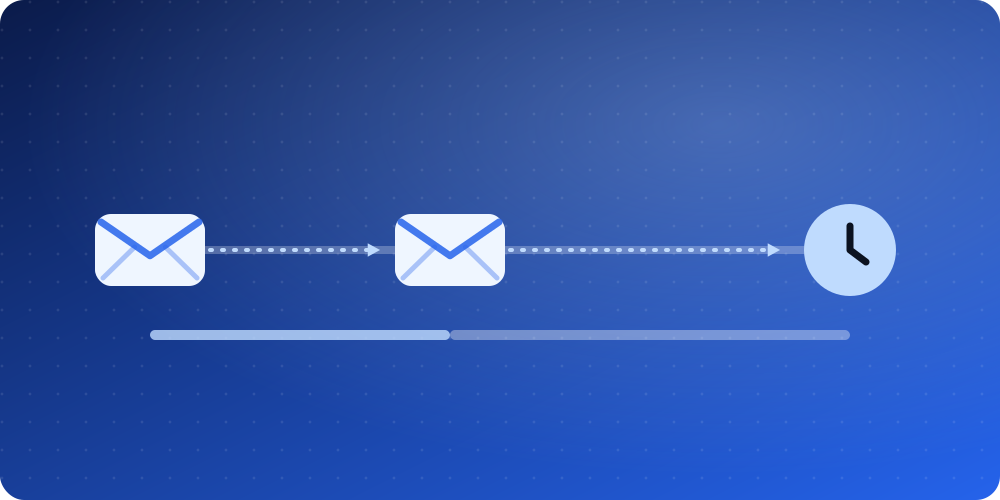
Anyone who has the full address can open that inbox while it is active. On BoltMail the names are generated from random words, which makes casual guessing unlikely, and each address is cleared automatically after 78 hours. Even so, never send or receive anything private through a temporary address: personal documents, medical or financial details, private conversations and one-time codes for important accounts all belong somewhere else.
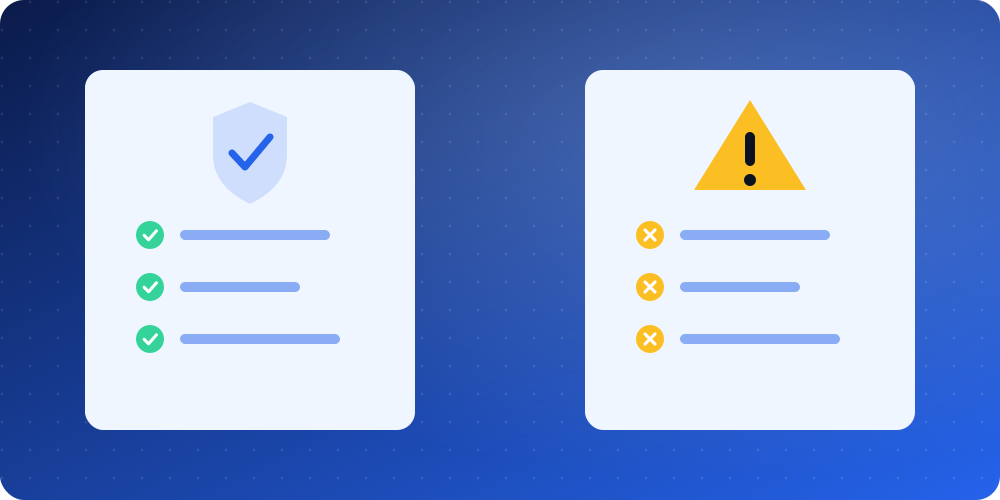
What temporary email is safe for
- Downloading a PDF, template or white paper that is gated behind an email form.
- Signing up for a forum, game or app you are only trying once.
- Getting a discount code without joining a mailing list for good. See how to stop spam emails for good for more ideas.
- Testing your own registration, password-reset and notification emails. Developers will like disposable email for testing and development.
- Using public Wi-Fi or an unfamiliar website you do not fully trust yet.
What it is not safe for
- Anything you may need to recover. If you lose access to the inbox, you lose access to the account. Temporary inboxes disappear on purpose.
- Financial, medical, legal or government services. These send sensitive notices and need a permanent, secured address.
- Accounts with two-factor codes that protect valuable data. A code sent to a public inbox can be read by anyone who finds the address.
- Long-term subscriptions and receipts. Use a real address or an alias instead; temp mail vs email alias vs real email compares the options.
Common myths about disposable email
Myth 1: "Temporary email makes me untraceable"
It hides your email address, not your connection. Websites can still see your IP address and browser details. If you need strong anonymity, a temporary address is only one small piece of it.
Myth 2: "Temporary email is illegal"
Using a disposable address is legal in almost every country. Some websites do not accept disposable domains, and some services forbid using multiple addresses to abuse free offers, so read the rules of the service you use. Our complete guide covers the legal side in more detail.
Myth 3: "Emails in a temp inbox can infect my device"
Opening a message is not the same as running an attachment. BoltMail shows HTML emails inside a sandboxed frame so scripts cannot run, and you should still treat unexpected links and attachments with care, as you would anywhere. The Federal Trade Commission's guide to recognising phishing is a good refresher.
Myth 4: "It is only used by spammers"
Most people use temporary email to avoid spam. Privacy-minded users, developers, students and shoppers are the typical audience.
The real risks, and how to reduce them
- Someone else reads your messages. Use a hard-to-guess address (the random generator is best) and never use it for anything private.
- You cannot recover the account. Use temp mail only for accounts you are happy to lose.
- The site blocks disposable domains. Try a different domain from the list on the home page, or use an alias on your real provider.
- Phishing still arrives. A temporary inbox receives whatever is sent to it. Do not click links in messages you did not expect.
A simple safety checklist
- Decide first: would losing this account matter? If yes, use a permanent address.
- Use the randomly generated address, not a guessable name like john or test.
- Do not put personal data in a conversation that goes through a temporary inbox.
- Open the confirmation link, finish the sign-up, and move on. Do not keep relying on the inbox.
- Check Have I Been Pwned for your real address and read email privacy and data breaches to see why keeping it out of marketing databases matters.
The bottom line
Temporary email is safe when it is used for what it was designed for: keeping your real address private during short, low-stakes interactions. It is not a vault and not a replacement for a real inbox. Open BoltMail, copy the address that is already waiting for you and keep your real inbox clean.