Every domain leaves a public trail: who registered it, when, which servers answer for it and how its email is protected. Reading that trail takes a few minutes with the right tool, and it answers questions that matter, from "is this sender legitimate?" to "why does my email go to spam?".
Whois and RDAP: who stands behind a domain
Registration data names the registrar, the date the domain was created, when it expires, its status flags and its name servers. Domain age is a quick trust signal: phishing sites are often only days old. Expiry matters to owners, because an expired domain stops working for both website and email. Most registries now hide personal contact details, but the registrar and an abuse contact remain public. The modern format is RDAP, with classic Whois as a fallback.
DNS records: the address book of the internet
A records point a name to an IPv4 address and AAAA records to IPv6. NS records name the servers that hold the domain's records, MX records name the servers that receive its email, TXT records hold text such as SPF and verification codes, SOA describes the zone and CAA limits which certificate authorities may issue certificates.
SPF: which servers may send as you
An SPF record is a TXT record that starts with v=spf1 and lists the permitted senders, ending with -all (reject the rest) or ~all (mark them suspicious). Its hidden trap is the limit of ten DNS lookups: every include, a, mx, ptr and exists costs one, and each included service adds its own. Go over ten and SPF fails for every message. Having two SPF records is also an error.
DKIM: a signature you can verify
DKIM publishes a public key at selector._domainkey.yourdomain. Your mail server signs outgoing messages with the private key, and receivers fetch the public key to check the signature. Use a 2048-bit key, never leave a key in testing mode longer than needed, and remember the selector is shown as s= in the DKIM-Signature header of any message you send.
DMARC: the policy that ties it together
DMARC lives at _dmarc.yourdomain. It tells receivers what to do when SPF and DKIM fail to match the From domain (none, quarantine or reject) and where to send reports. Start with p=none and a rua= address, read the reports, fix legitimate senders, then raise the policy.
MX records and blacklists
Healthy MX records name at least two mail servers that resolve to real addresses, never point at an IP address or an alias, and have reverse DNS that matches. The addresses of those servers should not appear on blacklists such as Spamhaus, Barracuda or SpamCop. A listing explains a sudden drop in delivery, and each list publishes its own delisting steps.
Check all of it in one place
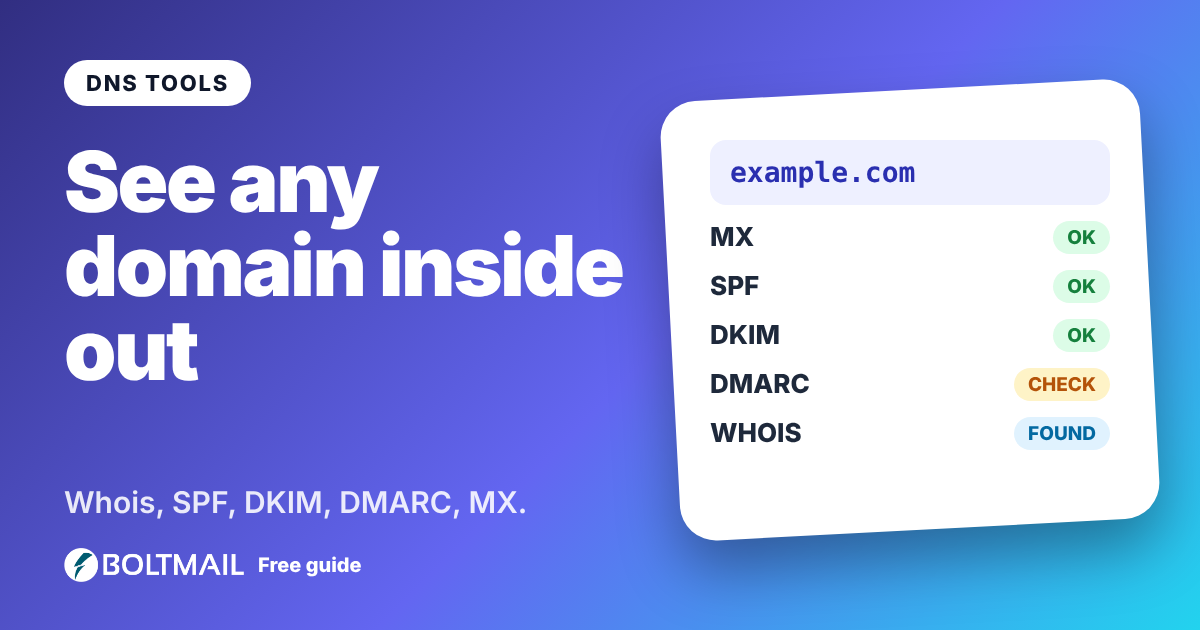
The free Whois and DNS Lookup shows registration data, every record, a graded SPF, DKIM and DMARC report with each problem explained, MX servers and a twelve-list blacklist check, all without an account.